

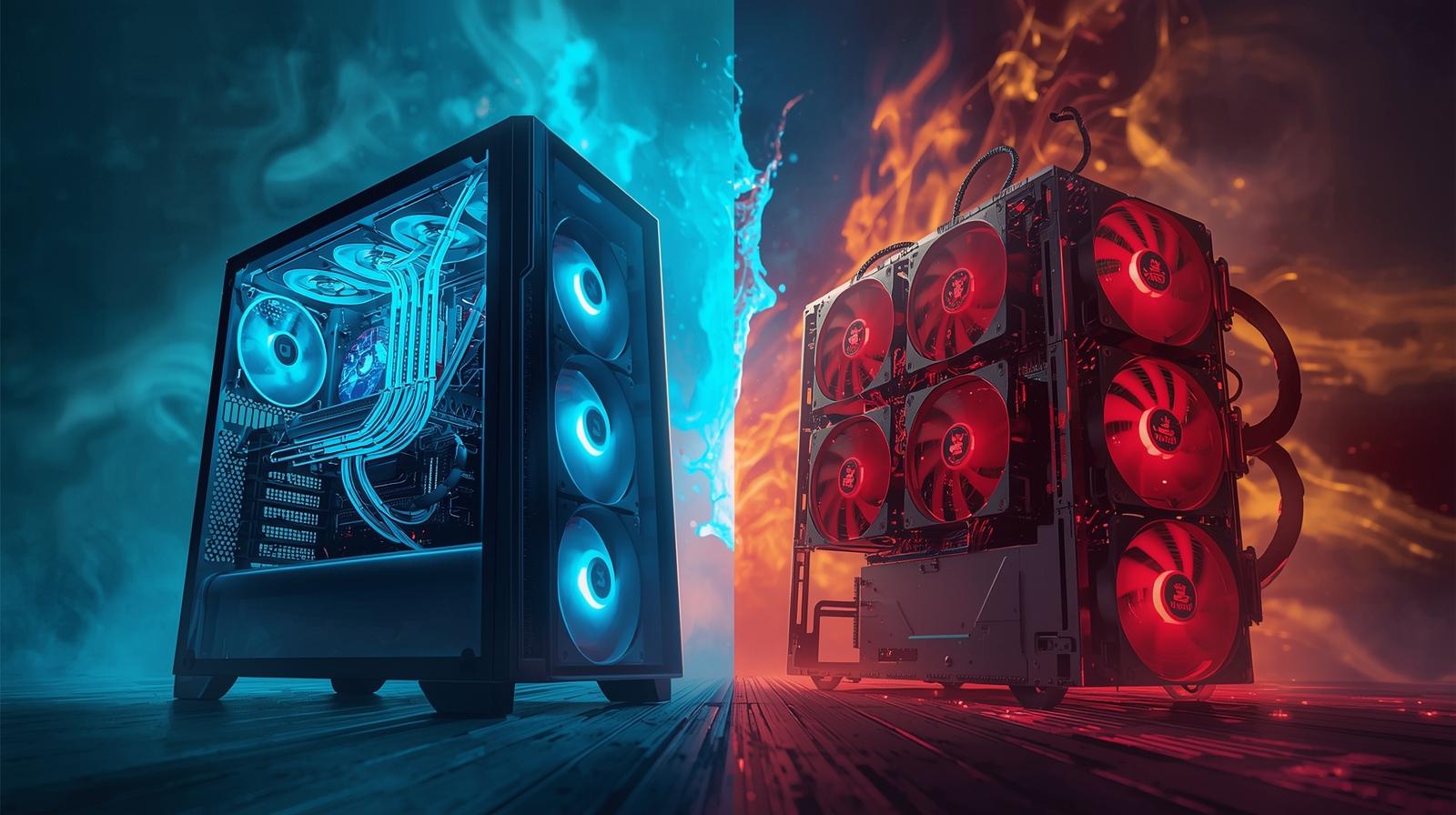
In the realm of computer cooling, the debate between liquid cooling and air cooling has been a long-standing one. As technology advances and computer systems become more powerful, efficient cooling solutions are crucial to maintain performance and longevity. This article delves into the key differences between liquid cooling and air cooling, helping you decide which is the better option for your needs.
Before diving into the comparison, it’s essential to understand how each cooling system works.
Air cooling is the most traditional and widely used method for keeping computer components cool. It involves the use of heatsinks and fans to dissipate heat away from the CPU and other components. The heatsink absorbs the heat, while the fan blows it away, preventing the system from overheating.
Liquid cooling, often referred to as water cooling, is a more modern solution that uses liquid to transfer heat away from components. This system involves a pump, a radiator, and a series of tubes that circulate coolant. The liquid absorbs heat from the components and passes it through the radiator, where fans help dissipate it into the air.
Air cooling systems are generally more affordable than liquid cooling setups. They are easier to install and maintain, making them a popular choice for budget-conscious users or those new to building computers.
The simplicity of air cooling systems makes them highly reliable. With fewer components involved, there is less chance of mechanical failure. Air cooling is straightforward and requires minimal maintenance, which is appealing to many users.
Liquid cooling systems are known for their superior cooling capabilities. They can handle higher thermal loads and are more efficient at maintaining lower temperatures, especially in overclocked or high-performance systems.
Since liquid cooling systems rely on fewer and larger fans, they often operate more quietly than air cooling systems. This is an attractive feature for those who prioritize a silent computing environment.
While adequate for most standard setups, air cooling systems can struggle with high-performance or overclocked systems. They may not provide the necessary cooling efficiency, leading to thermal throttling and reduced performance.
Air cooling systems often involve multiple smaller fans, which can generate significant noise, especially under heavy workloads. This can be a disadvantage for users sensitive to noise or working in quiet environments.
Liquid cooling systems are generally more expensive than their air cooling counterparts. The additional components, such as pumps and radiators, contribute to the higher cost.
Liquid cooling systems are more complex to install and maintain. They require regular monitoring of coolant levels and potential leaks, which might not be ideal for everyone.
In gaming PCs, where performance and aesthetics are prioritized, liquid cooling often takes the lead. The ability to maintain lower temperatures allows for higher performance without thermal throttling. Additionally, the sleek and customizable appearance of liquid cooling systems can enhance the overall look of a gaming setup.
For professional workstations handling intensive tasks like video editing or 3D rendering, liquid cooling offers the necessary cooling efficiency. The quieter operation also creates a more comfortable working environment, reducing distractions.
For everyday computing tasks, air cooling is generally sufficient. Most standard systems do not require the advanced cooling capabilities of a liquid cooling setup. The cost-effectiveness and simplicity of air cooling make it a practical choice for casual users.
The decision between liquid cooling and air cooling ultimately depends on your specific needs and preferences.
- Choose Air Cooling if: You are looking for a cost-effective, reliable, and easy-to-maintain cooling solution for standard computing tasks. Air cooling is ideal for users who prioritize simplicity and are not concerned with high-performance requirements.
- Choose Liquid Cooling if: You require superior cooling performance for high-performance or overclocked systems, or if you value a quieter computing environment. Liquid cooling is suitable for enthusiasts and professionals who need advanced cooling capabilities and are willing to invest in a more complex setup.
In conclusion, both cooling methods have their advantages and disadvantages. Assess your priorities, budget, and system requirements to make an informed decision that aligns with your cooling needs.
By understanding the differences and applications of each cooling solution, you can ensure that your computer system performs optimally, extending its lifespan and enhancing your overall computing experience.


