

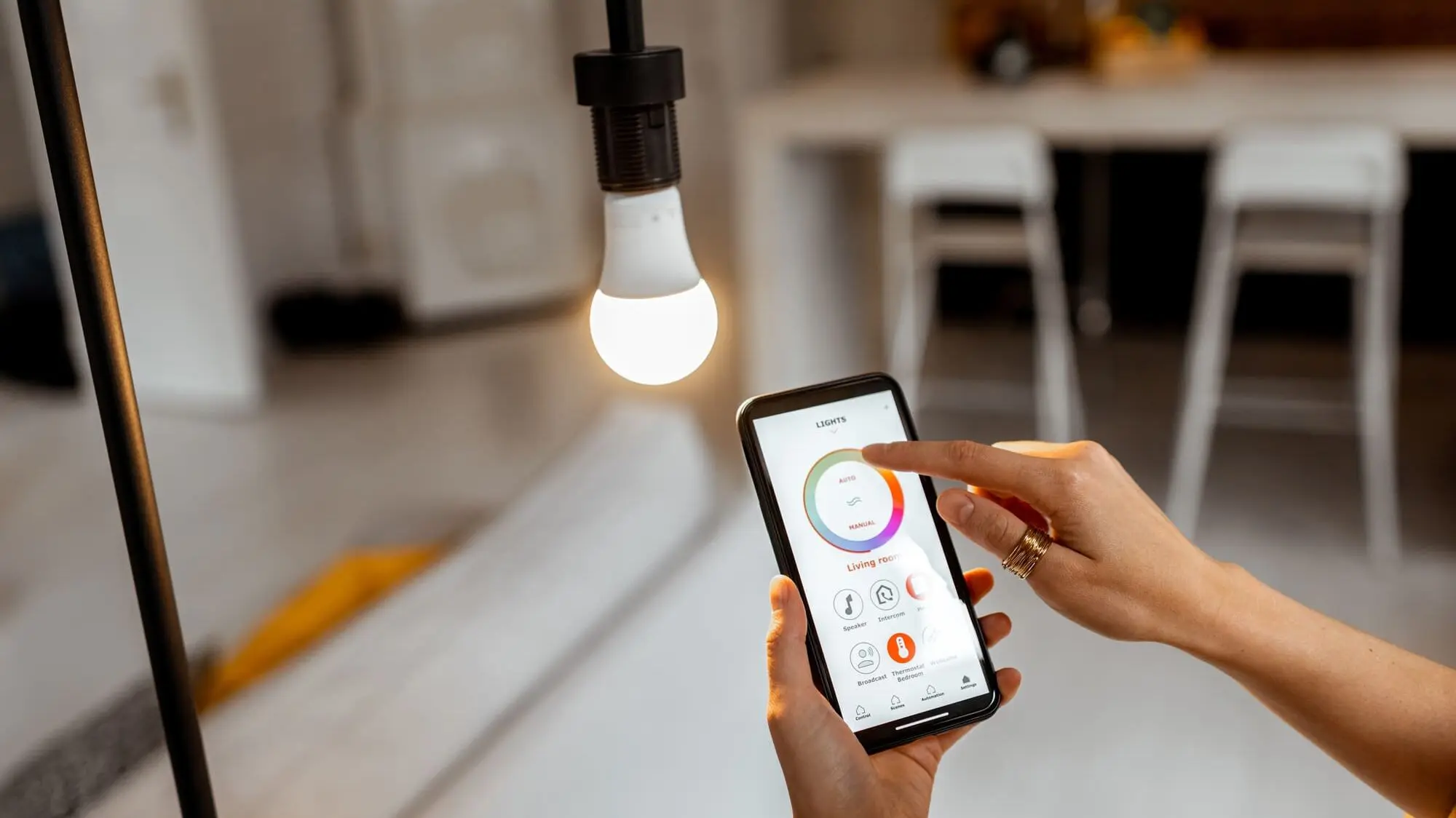
Smart lighting has become a staple in modern homes, offering convenience, energy efficiency, and customizable ambiance at your fingertips. With the ability to control brightness, color, and schedules through smartphones or voice assistants, smart lights make everyday living more comfortable and efficient.
This guide provides a detailed step-by-step approach to setting up smart lights, choosing the right devices, and optimizing their performance for your home.
Step 1: Choose the Right Smart Lights
Before installation, decide which type of smart lights suits your needs:
- Smart bulbs: Replace existing bulbs and offer color or brightness control.
- Smart LED strips: Ideal for accent lighting, under cabinets, or behind TVs.
- Smart switches: Control traditional fixtures without changing bulbs.
When selecting smart lights, check compatibility with your smart home ecosystem, such as Google Home, Amazon Alexa, or Apple HomeKit.
Step 2: Ensure Wi-Fi Connectivity
Smart lights require a stable Wi-Fi connection to function effectively. Consider the following:
- 2.4 GHz Wi-Fi bands are usually preferred for smart lights
- Ensure the router signal reaches all rooms where lights will be installed
- Avoid network congestion by keeping too many devices on the same Wi-Fi network
Strong connectivity ensures smooth operation and reliable scheduling.
Step 3: Install the Smart Lights
Installation depends on the type of device:
- Smart bulbs: Turn off the power, screw in the bulb, and restore power.
- Smart LED strips: Clean the surface, peel off adhesive backing, and attach the strip.
- Smart switches: Turn off the circuit breaker, remove the old switch, and connect the smart switch according to manufacturer instructions.
Always follow safety instructions to prevent electric shocks or damage.
Step 4: Download the Companion App
Most smart lights are controlled via their dedicated app. Steps include:
- Download the app from the App Store or Google Play Store
- Create an account or log in
- Follow in-app instructions to connect devices to Wi-Fi
The app allows customization of brightness, color temperature, and scheduling.
Step 5: Connect to Voice Assistants (Optional)
For hands-free control, connect smart lights to your voice assistant:
- Google Home: Use the Google Home app to add devices
- Amazon Alexa: Use the Alexa app to discover devices
- Apple HomeKit: Use the Home app to pair smart lights
Voice commands like “Turn on living room lights” or “Set bedroom lights to 50%” make daily use easier.
Step 6: Customize Lighting Scenes and Schedules
Smart lights allow for personalized lighting:
- Scenes: Create moods like “Relax,” “Reading,” or “Movie Night”
- Schedules: Automate lights to turn on or off at specific times
- Color changes: Use RGB bulbs to match decor or set seasonal themes
Automation improves convenience and can reduce energy consumption.
Step 7: Test and Troubleshoot
After setup, test your smart lights:
- Check responsiveness via app and voice commands
- Adjust brightness and colors to your preference
- Update firmware through the app to ensure optimal performance
If lights fail to connect, restart the device, app, or Wi-Fi router.
Comparison Table: Types of Smart Lights
| Smart Light Type | Installation | Control Options | Best Use |
|---|---|---|---|
| Smart Bulbs | Screw-in | App, voice | General lighting |
| LED Strips | Adhesive | App, voice | Accent or mood lighting |
| Smart Switches | Hardwired | App, voice | Traditional fixtures |
Benefits of Smart Lighting
- Energy-efficient and cost-saving
- Customizable ambiance for different rooms
- Remote control and automation for convenience
- Integrates with other smart home devices
- Supports long-term sustainability goals, aligning with the Future of Electric Vehicles and Smart Tech
Smart lighting is part of a growing trend toward connected, energy-efficient homes.
FAQs
Can smart lights work without Wi-Fi?
Some basic functions like manual switching may work, but full app control and voice commands require Wi-Fi.
Are smart lights compatible with dimmer switches?
Many smart bulbs are dimmable via app, but using a traditional dimmer switch may cause flickering. Check product specifications.
How much energy do smart lights save?
LED-based smart lights use 75–80% less energy than traditional incandescent bulbs, especially when scheduled efficiently.
Can multiple smart lights be grouped?
Yes, most apps allow you to group lights by room or zone for simultaneous control.
Are smart lights safe for kids’ rooms?
Yes, smart lights are generally safe, but avoid direct installation in areas accessible to young children where bulbs can be removed.
Conclusion
Setting up smart lights transforms your home into a convenient, energy-efficient, and customizable environment. By choosing the right devices, ensuring Wi-Fi connectivity, installing properly, and leveraging apps or voice assistants, you can enjoy a seamless smart lighting experience.
With automation, scheduling, and personalization, smart lights not only enhance your living spaces but also align with broader trends in energy efficiency and sustainability, reflecting the ongoing Future of Electric Vehicles and Smart Tech.


