

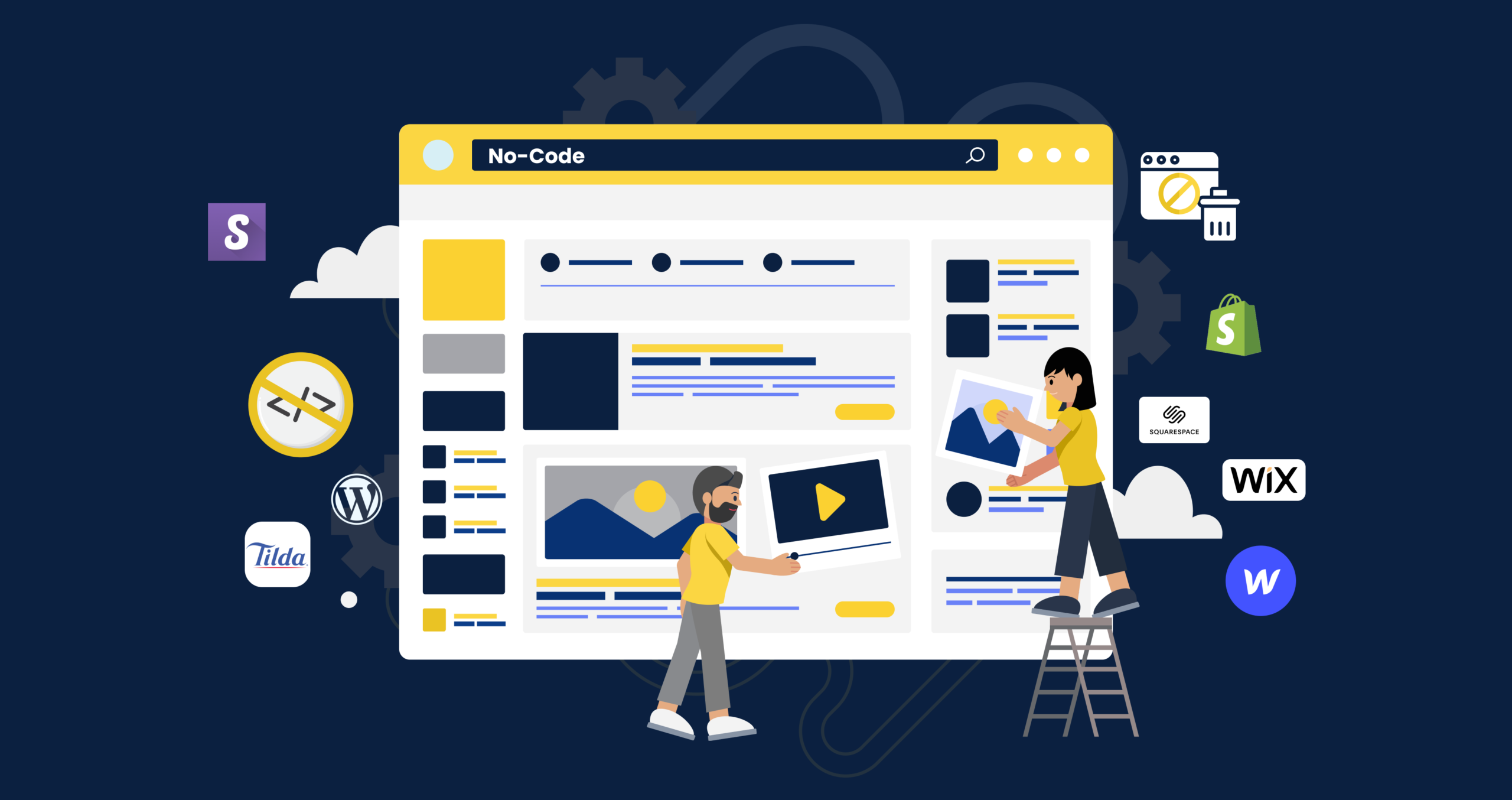
Building a website no longer requires coding experience or extensive technical knowledge. Thanks to modern website builders, anyone—from entrepreneurs and freelancers to hobbyists and small business owners—can create a professional, fully functional website within hours. These platforms offer intuitive interfaces, drag-and-drop design tools, customizable templates, and built-in support features that simplify the entire process.
Just as learning the Essential Components for a Home Theater System helps you assemble a high-quality entertainment setup, choosing the right website builder ensures a smooth, hassle-free experience from start to finish. This guide covers the best website builders for non-technical users, what makes them easy to use, and how to choose the ideal platform for your needs.
Why Use a Beginner-Friendly Website Builder?
1. No Coding Needed
Most platforms rely on drag-and-drop tools, meaning you can build pages simply by clicking, dragging, and customizing.
2. Professional Templates
You can start with pre-designed templates tailored to your industry—no design expertise required.
3. Built-In Hosting
There’s no need to buy or manage separate hosting; it’s included in your plan.
4. Customer Support
Live chat, tutorials, and step-by-step guides make the process even easier.
5. Quick Launch
You can create and publish a complete website in just one day.
Top Website Builders for Non-Technical Users
1. Wix
Ease of Use
Wix is known for its intuitive drag-and-drop editor. You can place elements anywhere on the screen, making it perfect for beginners who want full creative control.
Key Features
- Hundreds of customizable templates
- Built-in SEO and analytics
- App marketplace for additional tools
- Simple e-commerce functionality
Best For
Creative businesses, personal websites, small online stores
2. Squarespace
Ease of Use
Squarespace offers elegant templates and a clean interface. While slightly more structured than Wix, it’s still beginner-friendly and ideal for users who want a polished, premium look.
Key Features
- Award-winning design templates
- Built-in blogging and portfolio tools
- Integrated email marketing
- Strong e-commerce features
Best For
Artists, bloggers, photographers, and branding-focused businesses
3. Weebly
Ease of Use
Weebly offers a simple drag-and-drop interface that’s especially easy for first-time site creators. Its tools are straightforward, making it a great choice for small businesses.
Key Features
- Simple editing tools
- Reliable e-commerce tools
- Affordable pricing
- Access to third-party apps
Best For
Small businesses and beginners who want an easy, budget-friendly solution
4. Shopify (for Online Stores)
Ease of Use
Shopify is ideal for non-technical users who want to build an online store. It simplifies inventory management, payment processing, and shipping integrations.
Key Features
- Dozens of store-optimized themes
- Secure checkout
- Built-in payment solutions
- Powerful inventory and shipping tools
Best For
Beginners focused on e-commerce rather than blogging or personal sites
5. WordPress.com
Ease of Use
WordPress.com is a hosted version of WordPress that removes the complexity of manual installation. While more flexible, it remains easy to manage with pre-installed themes and block-style editing.
Key Features
- Block editor for visual design
- Thousands of themes
- Built-in hosting and security
- Optional upgrades for advanced features
Best For
Bloggers, small businesses, and users who may want more customization later
6. GoDaddy Website Builder
Ease of Use
GoDaddy’s builder focuses on speed and simplicity. Its guided setup walks you through the process, making it ideal for those who want a website ready within minutes.
Key Features
- Step-by-step build process
- AI-guided design suggestions
- Basic e-commerce tools
- Affordable pricing
Best For
Users who want the quickest, simplest setup possible
Comparison Table: Best Website Builders for Beginners
| Website Builder | Ease of Use | Best For | Key Feature | Price Range |
|---|---|---|---|---|
| Wix | Very easy | Creatives, small stores | Drag-and-drop freedom | Low–Mid |
| Squarespace | Easy | Portfolios, blogs | High-end designs | Mid |
| Weebly | Very easy | Small businesses | Budget-friendly tools | Low |
| Shopify | Easy | E-commerce | Robust store management | Mid–High |
| WordPress.com | Moderate | Blogs, growing sites | Huge customization | Low–Mid |
| GoDaddy Builder | Very easy | Quick website setup | Guided design | Low |
How to Choose the Best Website Builder for Your Needs
1. Determine the Purpose of Your Website
Are you building a portfolio, blog, online store, or business site?
2. Consider Your Design Comfort Level
If you want creative freedom, choose Wix. For simple templates, choose Squarespace or Weebly.
3. Evaluate Your Budget
Some platforms offer free plans, while others require monthly subscriptions.
4. Check E-Commerce Needs
If selling products is your focus, Shopify or Wix are great choices.
5. Look for SEO and Marketing Tools
Built-in SEO features help non-technical users rank higher on search engines.
Tips for Non-Technical Users Building Their First Website
- Start with a template that matches your brand style
- Use high-quality images and simple fonts
- Keep navigation minimal and clear
- Preview your site on mobile devices
- Publish now and refine later—you can always make changes
Frequently Asked Questions
1. Do I need coding skills to use these website builders?
No. All builders listed are designed for people with zero coding experience.
2. Can I switch website builders later?
Switching is possible but often requires rebuilding your site, so pick carefully.
3. Are there free website builders?
Yes. Wix, Weebly, and WordPress.com offer free plans with limited features.
4. Which builder is best for selling products?
Shopify is the strongest for full-scale e-commerce, while Wix is ideal for smaller stores.
5. Which platform is best for portfolios?
Squarespace is a top choice for visual and creative professionals.
Final Thoughts
Choosing the best website builder for non-technical users depends on your goals, design preferences, and comfort level with customization. Whether you’re creating a personal blog, launching a small business website, or building an online store, these beginner-friendly platforms offer all the tools you need to succeed. With intuitive editors, beautiful templates, and built-in hosting, anyone can build a professional website—no technical skills required.


