

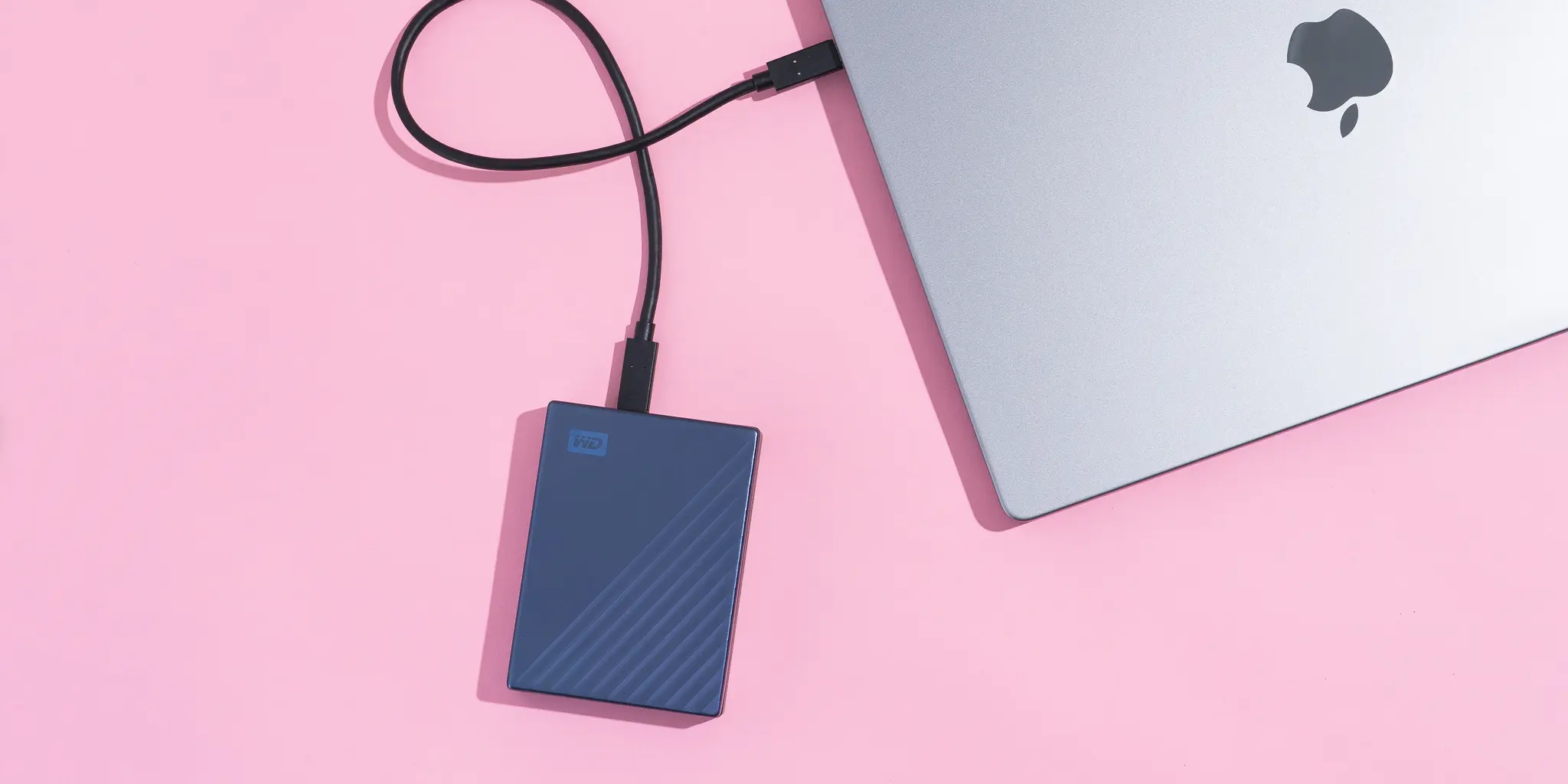
As digital files continue to grow in size, external solid-state drives (SSDs) have become an essential storage solution for professionals and everyday users alike. From high-resolution videos and large design files to software backups and datasets, external SSDs offer speed, reliability, and portability that traditional hard drives struggle to match.
This article explores the best external SSD drives for storing large files, key features to consider, and how to choose the right option for your needs.
Why Choose an External SSD for Large Files?
External SSDs use flash memory instead of spinning disks, resulting in faster data transfer speeds, better durability, and quieter operation. These advantages make them ideal for handling large files efficiently.
Key benefits include:
- Faster read and write speeds
- Compact and lightweight design
- Improved resistance to drops and shocks
- Lower power consumption
- Reliable performance for frequent data transfers
Who Needs High-Capacity External SSDs?
External SSDs are especially valuable for users who work with large or sensitive files.
Common use cases include:
- Video editors handling 4K or 8K footage
- Photographers storing RAW image libraries
- Software developers managing large builds
- Gamers expanding console or PC storage
- Professionals backing up critical data
Top External SSD Drives for Large File Storage
Samsung T7 Shield
The Samsung T7 Shield is known for its excellent speed, durability, and heat management. It delivers consistent performance when transferring large files and is suitable for professional workloads.
SanDisk Extreme Portable SSD
This SSD offers fast transfer speeds and a rugged design, making it ideal for travel and outdoor use. It performs well with large multimedia files.
Crucial X10 Pro
The Crucial X10 Pro provides high-speed performance and strong security features. Its large storage options make it suitable for heavy data users.
WD My Passport SSD
WD’s My Passport SSD balances performance and affordability. It’s a solid choice for users needing reliable large-file storage without premium pricing.
LaCie Rugged SSD
Designed for creative professionals, the LaCie Rugged SSD offers durability and stable performance, particularly for field work and media production.
Key Features to Consider When Buying an External SSD
Storage Capacity
Choose a capacity that accommodates both current needs and future growth. Options typically range from 500GB to 4TB or more.
Transfer Speed
Look for SSDs that support USB 3.2 Gen 2, Thunderbolt, or higher standards for faster file transfers.
Build Quality
A durable enclosure protects data during travel and daily use.
Compatibility
Ensure the SSD works seamlessly with your operating system and devices.
Security Features
Hardware encryption and password protection add an extra layer of data safety.
External SSDs and Data Security
As data volumes grow, so does the importance of protecting stored information. Secure storage solutions complement broader discussions around data protection, including topics such as How Quantum Computing Will Impact Cybersecurity, where future threats emphasize the need for strong encryption and secure hardware.
Comparison of Best External SSD Drives
| SSD Model | Max Capacity | Transfer Speed | Best For |
|---|---|---|---|
| Samsung T7 Shield | Up to 4TB | Up to 1,050 MB/s | Professional workloads |
| SanDisk Extreme | Up to 4TB | Up to 1,050 MB/s | Travel and durability |
| Crucial X10 Pro | Up to 4TB | Up to 2,000 MB/s | High-speed transfers |
| WD My Passport SSD | Up to 2TB | Up to 1,050 MB/s | Budget-conscious users |
| LaCie Rugged SSD | Up to 2TB | Up to 950 MB/s | Creative professionals |
SSD vs HDD for Large Files
While HDDs offer lower cost per gigabyte, SSDs outperform them in nearly every other area. For large files that require frequent access, editing, or transport, SSDs provide faster performance and better reliability.
HDDs may still work for long-term archival storage, but SSDs are superior for active use.
Tips for Maximizing External SSD Performance
- Use the fastest supported port on your device
- Avoid filling the drive to maximum capacity
- Safely eject the drive after use
- Keep firmware and drivers updated
- Store the SSD in a cool, dry environment
Following these practices helps maintain speed and longevity.
Frequently Asked Questions
What size external SSD is best for large files?
A minimum of 1TB is recommended for large files, with 2TB or more ideal for professionals.
Are external SSDs reliable for long-term storage?
Yes, when properly maintained, external SSDs are reliable, though backups are always recommended.
Can external SSDs be used for video editing?
Yes, many external SSDs are fast enough for real-time video editing and large media projects.
Do external SSDs work with both Windows and Mac?
Most external SSDs are compatible with both, though reformatting may be required.
Is an external SSD worth the cost?
For speed, portability, and performance with large files, external SSDs are well worth the investment.
Conclusion
External SSD drives are the best solution for storing and managing large files efficiently. With fast transfer speeds, durable designs, and high-capacity options, they meet the demands of modern data-heavy workflows. By choosing the right SSD based on speed, capacity, and security needs, users can ensure reliable performance and safe storage for their most important files.


