

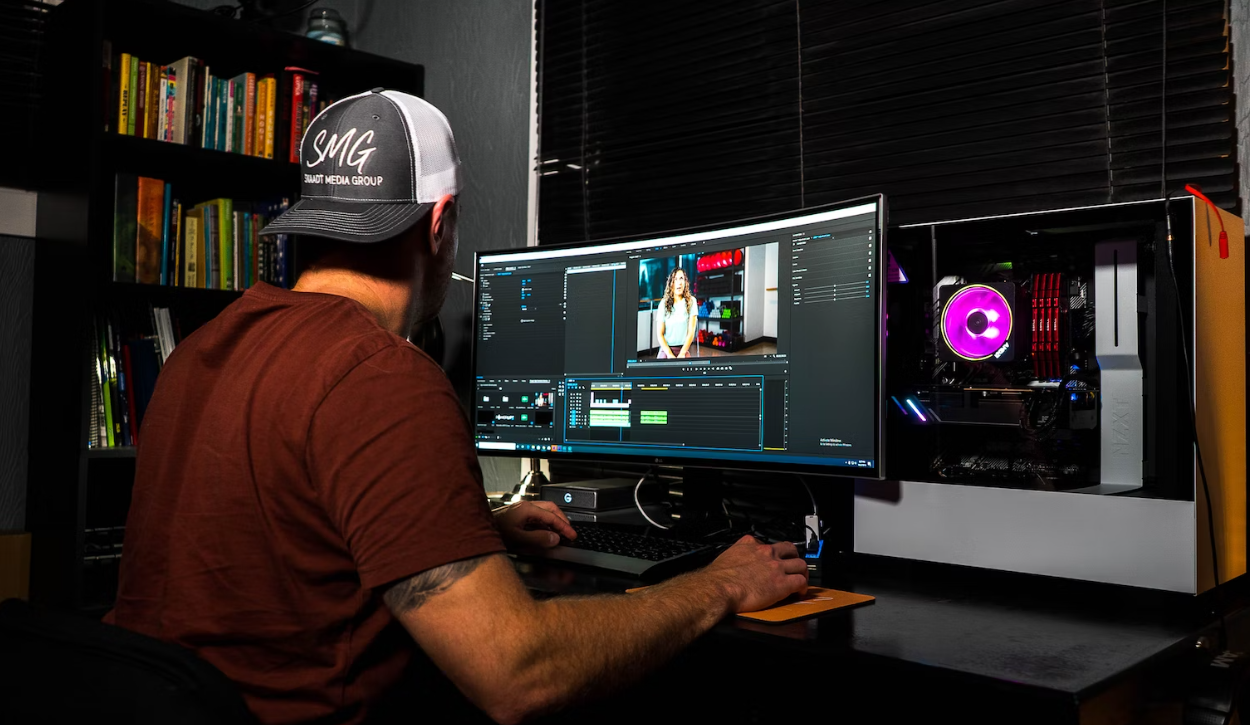
Choosing the right processor is crucial for video editors looking to maximize efficiency, speed, and workflow. The processor, or CPU, acts as the brain of your computer, handling rendering, encoding, and real-time playback of video files. Selecting the correct CPU can drastically reduce editing time and improve overall performance, especially when working with 4K, 6K, or even 8K footage.
This guide explains how to choose the right processor for video editing, key specifications to consider, and tips for building a high-performance editing setup.
Why the Processor Matters in Video Editing
Video editing tasks are highly CPU-intensive. The processor affects:
- Rendering Speed: Faster CPUs shorten the time to export your project.
- Real-Time Playback: Ensures smooth editing without lag, especially for high-resolution footage.
- Multitasking: Handles editing software, plugins, and other background applications simultaneously.
- Encoding & Transcoding: Accelerates the conversion of video formats for distribution.
A poor processor can bottleneck your system, slowing down workflow even if you have ample RAM and a powerful GPU.
Key Specifications to Consider
When choosing a processor for video editing, consider the following factors:
| Specification | Importance for Video Editing | Recommendation |
|---|---|---|
| Cores & Threads | More cores allow for faster rendering and multitasking | 8 cores / 16 threads minimum; 12-16 cores for professional work |
| Clock Speed (GHz) | Determines single-core performance for tasks like timeline playback | 3.5 GHz or higher recommended |
| Cache Size | Larger cache improves efficiency in complex tasks | 16 MB or higher L3 cache |
| Thermal Design Power (TDP) | Indicates heat output; affects cooling requirements | 65W – 125W for desktops; consider liquid cooling for higher TDP CPUs |
| Integrated Graphics | Useful for laptops or budget builds | Optional if GPU is powerful; Intel Iris Xe or AMD Vega can help |
| Overclocking Capability | Boosts performance for intensive editing tasks | Optional for desktop users with adequate cooling |
Popular Processor Options for Video Editing
Here’s a table of some recommended processors for different budgets:
| Processor | Type | Cores / Threads | Best For | Price Range |
|---|---|---|---|---|
| Intel Core i5-13600K | Desktop | 14 / 20 | Mid-range 1080p–4K editing | ~$320 |
| Intel Core i7-13700K | Desktop | 16 / 24 | 4K editing, multitasking | ~$450 |
| Intel Core i9-13900K | Desktop | 24 / 32 | Professional 4K/8K editing, rendering | ~$700 |
| AMD Ryzen 7 7800X3D | Desktop | 8 / 16 | Fast rendering, gaming + editing | ~$430 |
| AMD Ryzen 9 7900X | Desktop | 12 / 24 | High-end editing workflows | ~$550 |
| Apple M2 Pro / M2 Max | Laptop/Desktop | 10-12 / 16-32 | Mac-based editing, Final Cut Pro optimized | Varies |
Tips for Choosing the Right Processor
- Match CPU to Editing Software: Some programs, like Adobe Premiere Pro, benefit more from higher clock speeds, while DaVinci Resolve prefers more cores.
- Consider Future-Proofing: If you plan to edit 4K or 8K footage, invest in a higher-core CPU to handle future projects.
- Balance With GPU and RAM: Video editing performance is influenced by the entire system. Pair your CPU with adequate RAM (32 GB+) and a capable GPU for hardware acceleration.
- Cooling Solutions Matter: High-core CPUs can generate heat; ensure proper cooling to maintain performance.
- Laptop vs Desktop: Laptops prioritize power efficiency, while desktops offer higher performance and upgradeability.
Mobile Editing & Tech Gear Connection
While desktop CPUs are critical for professional video editing, mobile video editors also benefit from high-performance devices and accessories. For those editing on-the-go, guides like the Ultimate Guide to Mobile Gaming Gear provide insights into mobile processors, controllers, and accessories that enhance productivity, demonstrating how mobile and desktop workflows can overlap in efficiency.
FAQs About Video Editing Processors
Q1: Is more cores always better for video editing?
Generally, yes. More cores improve rendering and multitasking, but single-core performance is still important for timeline playback and software responsiveness.
Q2: Can I edit 4K video on a mid-range CPU?
Yes, but you may experience slower rendering times. 4K editing benefits from higher-core CPUs and fast storage like NVMe SSDs.
Q3: Do laptops perform as well as desktops for video editing?
High-end laptops with Apple M-series chips or Intel/AMD H-series processors can perform well, but desktops usually offer better performance and upgrade potential.
Q4: How much RAM should I pair with my CPU?
For 1080p editing, 16–32 GB is sufficient. For 4K or higher resolutions, 32–64 GB is recommended.
Q5: Does GPU matter if I have a strong CPU?
Yes. Many editing programs offload effects, rendering, and color grading to the GPU. A balanced system ensures optimal performance.
Final Thoughts
Choosing the right processor for video editing involves balancing cores, clock speed, cache, and system compatibility. Mid-range CPUs like the Intel Core i5 or AMD Ryzen 7 are excellent for most projects, while high-end CPUs like the Intel Core i9, Ryzen 9, or Apple M2 Max are ideal for 4K/8K workflows and professional editing.
Pairing the right CPU with sufficient RAM, a fast GPU, and optimized storage ensures smooth, efficient editing. Even mobile editing setups can benefit from performance-focused devices, as seen in resources like the Ultimate Guide to Mobile Gaming Gear, bridging the gap between desktop and on-the-go editing solutions.


