

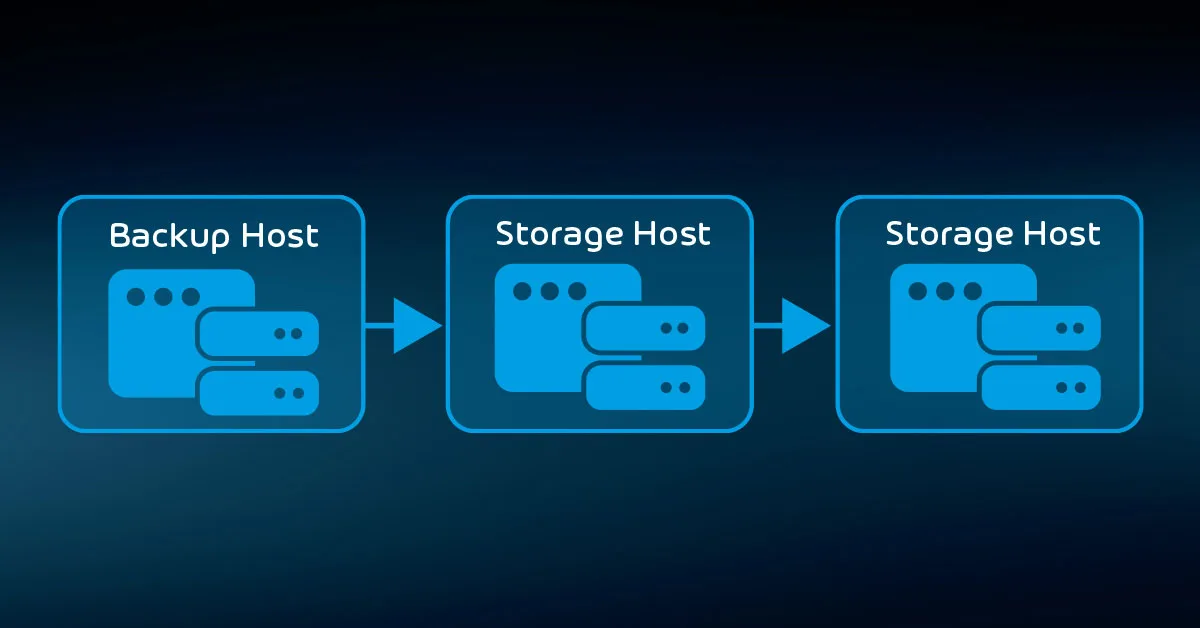
Backing up important data securely is essential for protecting personal information, business files, and digital assets from loss, corruption, or cyberattacks. Whether you are safeguarding family photos or critical business documents, a strategic and secure backup plan ensures you can restore your data quickly and confidently. This guide outlines the most reliable methods and best practices to keep your data protected at all times.
Why Secure Backups Matter
Data loss can occur for many reasons, including hardware failure, accidental deletion, malware, or natural disasters. Without proper backups, recovery can be costly or even impossible. Secure backups protect you by:
- Ensuring your files can be restored quickly
- Preventing unauthorized access
- Reducing the risk of permanent data loss
- Ensuring business continuity
A proactive backup strategy saves time, money, and stress.
Step 1: Use the 3-2-1 Backup Rule
The 3-2-1 rule is one of the most effective data protection frameworks:
- Keep three copies of your data
- Store copies on two different types of media
- Keep one copy offsite or in the cloud
This approach protects your data even if one backup source fails.
Step 2: Choose Secure Backup Methods
1. External Hard Drives
External hard drives are affordable and easy to use. Choose encrypted drives to protect your data from unauthorized access. Always store them in a safe place.
Best for: Personal files, large media libraries, quick access.
2. Cloud Backup Services
Cloud storage providers offer encrypted, secure remote backups accessible from any device. Look for services with strong encryption, two-factor authentication, and automated backups.
Best for: Offsite protection, business continuity, scalable storage.
3. Network-Attached Storage (NAS)
NAS devices allow you to create your own private, centralized backup system. They support multiple users and can be configured for automated syncing.
Best for: Small businesses, households with multiple devices, advanced users.
Step 3: Encrypt Your Backups
Encryption ensures your files remain unreadable without the proper key or password. Whether stored locally or online, always encrypt sensitive files. Many backup tools include built-in encryption to simplify this step.
Step 4: Automate Your Backup Process
Manual backups are easy to forget, but automated systems ensure consistent data protection. Most cloud services, backup software, and NAS systems allow scheduled backups at regular intervals.
Set automation to run daily or weekly, depending on how frequently your data changes.
Step 5: Use Strong Access Controls
Protect your backup systems with:
- Complex, unique passwords
- Two-factor authentication
- Limited access permissions
Only trusted users should have the ability to view, modify, or restore backed-up data.
Step 6: Keep Your Backup Devices Safe
If you use external drives or NAS systems, store them securely. Fireproof safes, locked cabinets, and climate-controlled storage help protect them from physical damage.
For cloud backups, choose providers with strong security policies, secure servers, and compliance certifications.
Step 7: Test Your Backups Regularly
A backup is only useful if it works when you need it. Regularly test your restore process by retrieving sample files to ensure your backup system is functioning properly.
Perform tests:
- After major system updates
- After changing backup settings
- Every few months for routine verification
Step 8: Consider Integrating Your Backup with Other Business Tools
Businesses can streamline their workflow by integrating backup systems with other essential digital tools. For example, many companies focus on Integrating CRM Software with Your Business Tools to enhance automation, data organization, and security. Similarly, integrating your backup system with cloud apps or project management tools can ensure all important data is captured automatically.
Step 9: Protect Against Cyber Threats
Cyberattacks like ransomware often target stored data. Strengthen your defenses by:
- Updating your software regularly
- Running antivirus and anti-malware tools
- Avoiding suspicious links and downloads
- Training employees on cybersecurity best practices
A secure system reduces the risk of compromised backups.
Final Thoughts
Backing up important data securely is not just a precaution; it’s a necessity in today’s digital world. By using a layered approach — combining encryption, diversified storage, automation, and strong security — you can protect your most valuable information from loss or theft. Whether you’re an individual or a business, creating a reliable backup plan ensures long-term safety, peace of mind, and smooth recovery when unexpected events occur.


