

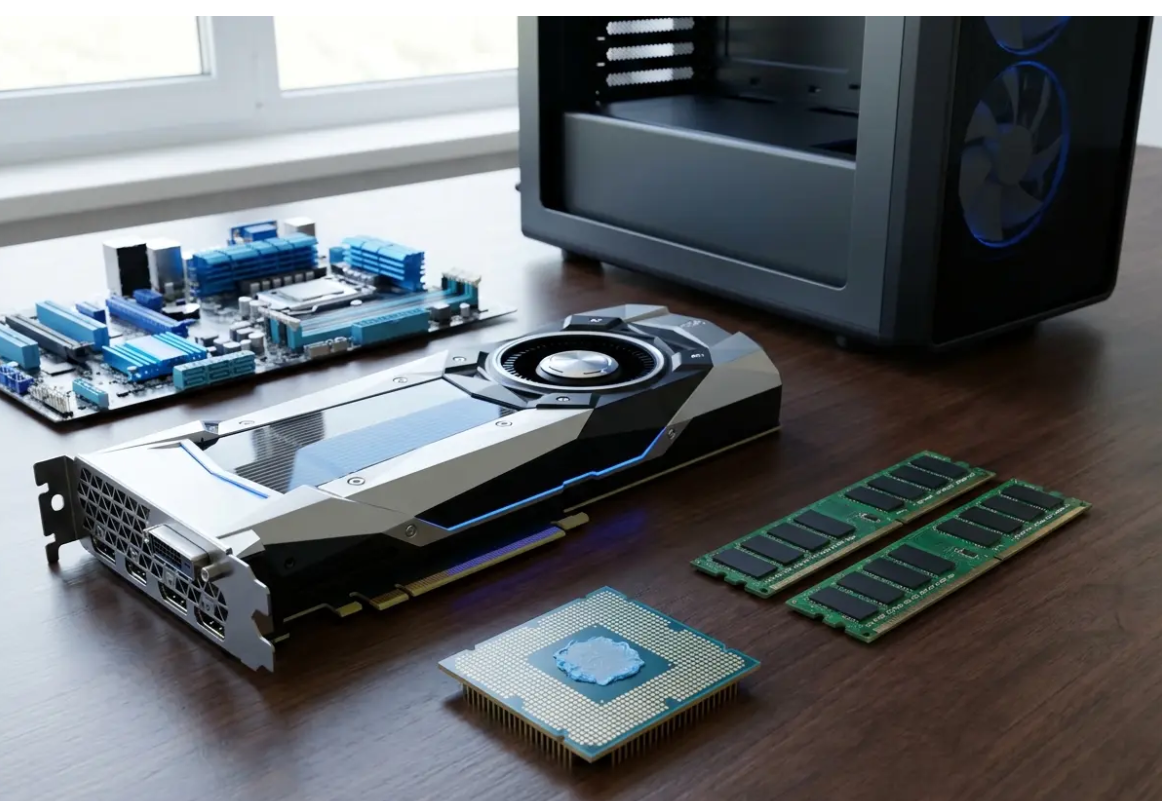
Building a high-performance gaming pc setup requires careful planning and a clear understanding of your specific personal needs. You want a dedicated space that supports long hours of play while keeping your expensive hardware running efficiently. A truly optimized gaming station integrates powerful computer components with ergonomic furniture and highly strategic cable management techniques.
Before purchasing any expensive hardware, you must evaluate the physical space where your computer system will ultimately live. Measure your room dimensions carefully to determine exactly what size desk you can comfortably accommodate without feeling crowded. You should also map out power outlet locations and internet connection points to avoid messy cable runs later.
Assessing Space and Gaming Chair Ergonomics
Your physical health directly impacts your overall gaming performance during those extended weekend multiplayer sessions with your friends. Invest in an ergonomic chair that properly supports your lower back and promotes a healthy, neutral sitting posture. According to official guidelines from the Occupational Safety and Health Administration, proper monitor height reduces neck strain significantly.
Budgeting for the Long Haul
Financial planning dictates the overall quality and longevity of your entire gaming experience from start to finish. Allocate roughly half of your total available budget strictly to the actual internal computer components inside the case. Distribute the remaining funds strategically across your primary monitor, wooden desk, supportive chair, and all your essential peripherals.
Power Delivery and Protection
Clean and reliable electricity serves as the absolute lifeblood of your expensive new gaming hardware investment over time. Plug your computer and primary monitor directly into a high-quality uninterruptible power supply rather than a standard wall outlet. This protective device provides backup battery power during sudden outages and conditions the electricity to prevent permanent hardware damage.
Key Takeaways
- Measure your physical room dimensions before purchasing any gaming furniture.
- Allocate your total budget evenly between computer components and environmental factors.
- Protect your expensive hardware investment with an uninterruptible power supply.
High-Performance PC Components: Choosing the Core Hardware for Your Build
The internal hardware dictates exactly how well your favorite games will run on your new high-resolution display. Competitive esports titles demand extremely high frame rates, while single-player narrative games prioritize stunning visual fidelity and atmosphere. Selecting the right parts requires carefully balancing your performance expectations against the reality of your available checking account.
The Processor and Motherboard Foundation
Your central processing unit handles complex game logic, physics calculations, and various background operating system tasks simultaneously. Pair a modern multi-core processor with a compatible motherboard that offers highly robust and incredibly stable power delivery. Review trusted benchmarking resources like Tom’s Hardware to compare current generation processors accurately before making a final decision.
Graphics Cards and Gaming Monitor Synergies
The graphics card represents the single most critical component for maximizing your overall gaming performance and enjoyment. Your chosen GPU must align perfectly with your primary gaming monitor and its maximum resolution and fast refresh rate capabilities. A high-end graphics card wastes its massive potential if you pair it with a basic 1080p office display.
Memory and Storage Solutions
System memory allows your processor to access game assets quickly without waiting for significantly slower storage drives to respond. Install at least thirty-two gigabytes of fast random access memory to guarantee smooth performance in modern demanding video games. Modern solid state drives load massive game levels exponentially faster than older mechanical hard drives ever possibly could achieve.
Pro Tip
Always research hardware bottlenecks before buying parts. A weak processor will severely limit the performance of an expensive graphics card.
Ergonomic Gaming PC Setup: Building the Perfect Environment
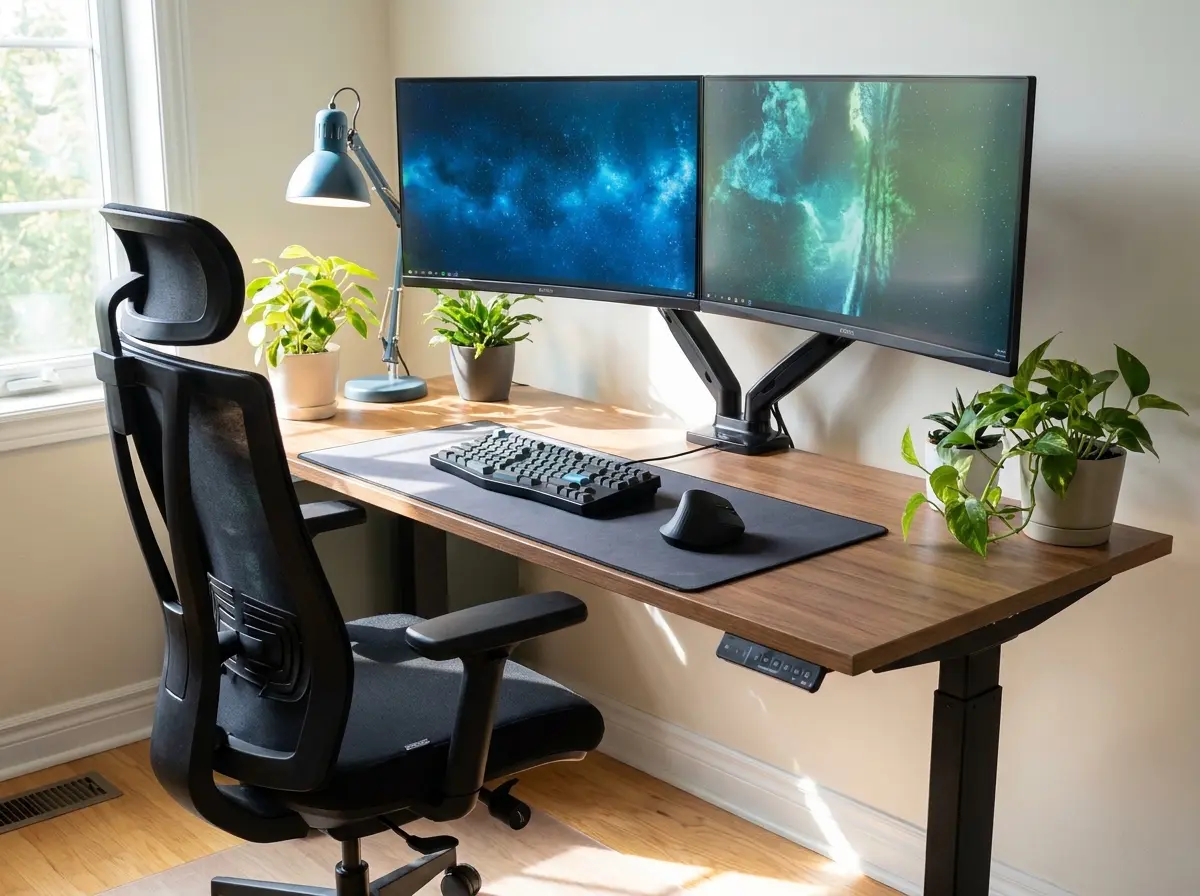
Have you considered how your desk dimensions directly affect your long-term physical comfort and daily gaming posture habits? A sturdy surface prevents frustrating monitor wobble during those highly intense keyboard and mouse movement sequences. Solid wood or thick composite materials provide significantly better stability than cheap, lightweight particleboard desk alternatives.
Gaming Desk Selection Strategies
Select a gaming desk with a depth of at least thirty inches to maintain a healthy visual viewing distance. L-shaped desks offer incredible utility by physically separating your primary gaming space from your general productivity and work area. Motorized standing desks allow you to change your posture frequently during exceptionally long weekend gaming marathons.
Cable Management Strategies
Messy cables completely ruin the aesthetic appeal of an otherwise premium and expensive computer hardware setup. Route your display and power cables seamlessly along the back edge of your desk using simple adhesive clips. Mount a heavy-duty surge protector underneath the desk surface to hide bulky power bricks and excessive wire lengths.
RGB Lighting and Ambiance
Strategic room lighting reduces generalized eye strain while adding significant visual flair to your dedicated gaming space. RGB lighting or bias lighting placed directly behind your monitor increases perceived contrast and softens the harsh screen glow considerably. Avoid pointing bright overhead light sources directly at your display to prevent highly distracting screen glare issues.
The Cable Routing Process
1. Group Your Wires
Separate your thick power cables from your thinner data cables to prevent electrical interference and maintain organization.
Tip: Use reusable hook-and-loop straps instead of permanent plastic zip ties for easier future adjustments.
2. Install Under-Desk Trays
Screw a metal wire management tray directly into the bottom surface of your wooden gaming desk.
3 Route to the PC
Run all bundled cables down a single vertical spine from the tray directly to your computer case.
Pro-Grade Peripherals: Essential Gear for Your Gaming PC Setup
Your keyboard, mouse, and headset serve as your direct physical connection to the virtual digital environment. High-quality peripherals translate your physical hand movements into precise in-game actions with practically zero noticeable latency. Upgrading these touchpoints often provides a more noticeable quality-of-life improvement than minor internal computer hardware bumps.
Mechanical Keyboards and Gaming Mice
Mechanical keyboards offer distinct tactile feedback and much faster actuation points compared to standard cheap membrane models. Lightweight gaming mice reduce wrist fatigue during extended gaming sessions and allow for incredibly fast flick shots. Many competitive players consult [INTERNAL_LINK: our guide to wireless gaming mice] to eliminate annoying cable drag completely.
Audio Gear
Accurate sound reproduction gives you a massive tactical advantage in competitive multiplayer first-person shooter video games. A dedicated digital-to-analog converter paired with studio headphones often outperforms heavily marketed and brightly colored gaming headsets. Research audio standards on trusted testing sites like RTINGS to find objectively measured audio equipment.
Controllers and Racing Wheels
Keyboard and mouse inputs dominate competitive shooters, but many game genres play significantly better with a traditional controller. Keep a high-quality wireless gamepad readily available on your desk for racing games and action platformers. Dedicated racing wheels and flight sticks offer incredible immersion for players who specialize in complex simulation games.
Warning
Keep your wireless mouse receiver plugged into an extension cable directly on your desk. Placing the receiver behind your metal computer case will cause severe signal interference and input lag.
Low Latency Networking: Configuration and Stability for Your Gaming PC Setup
A powerful computer means absolutely nothing if your internet connection frequently drops during crucial multiplayer gaming moments. Wired ethernet connections always provide significantly lower latency and better overall stability than standard wireless networking alternatives. Run a high-quality category six cable directly from your home router straight into your gaming computer.
Wired vs Wireless Connections
If running a physical cable proves practically impossible, invest in a premium modern Wi-Fi router instead immediately. Place your computer case directly in the clear line of sight of your wireless access point if possible. Thick concrete walls and large metal appliances will severely degrade your wireless signal strength and connection speed.
Optimizing Your Router Settings
Modern gaming routers include specific software features built to prioritize active gaming traffic over standard background downloads. Enable quality of service settings to prevent massive operating system updates from causing frustrating network lag spikes. Assign a static internet protocol address to your gaming machine to maintain highly consistent port forwarding rules.
Key Takeaways
- Always use a wired ethernet connection for competitive multiplayer games to minimize latency.
- Enable quality of service settings on your router to prioritize gaming traffic.
- Keep your wireless receivers close to your peripherals to prevent signal dropouts.
System Performance: Software Optimization and Maintenance for Your Gaming PC Setup
Your hardware requires properly optimized software to deliver the maximum possible frame rates in modern demanding video games. Keep your graphics card drivers constantly updated to benefit from specific performance improvements and critical security bug fixes. Disable unnecessary startup programs that silently consume valuable system memory and processor cycles in the background constantly.
Operating System Tweaks
Turn on game mode in your operating system settings to allocate system resources efficiently during heavy gaming sessions. Adjust your monitor settings within the display control panel to confirm you are actually utilizing the highest refresh rate. Uninstall bloatware and heavily intrusive antivirus programs that constantly scan files while you are trying to play.
Physical Cleaning Routines
Dust buildup acts as an insulating thermal blanket that traps heat and severely degrades your computer hardware performance. Are you taking the time to clean your case intake filters at least once every single month? Use compressed air to blow accumulated dust out of your heatsinks and safely away from your delicate components.
Conclusion
Constructing the perfect gaming pc setup requires careful attention to specific hardware components, overall ergonomics, and surrounding environmental factors. Every individual piece works together harmoniously to create an immersive and highly comfortable digital entertainment experience for you. By balancing your available budget across the entire hardware ecosystem, you completely avoid glaring weaknesses in your final build.
Take your time researching different parts and measuring your available room space before making any final expensive purchases. A highly systematic approach to building your setup yields a fantastic result that you will enjoy playing indefinitely. Keep your cables strictly organized, prioritize your physical bodily comfort, and maintain your expensive equipment very regularly.


