

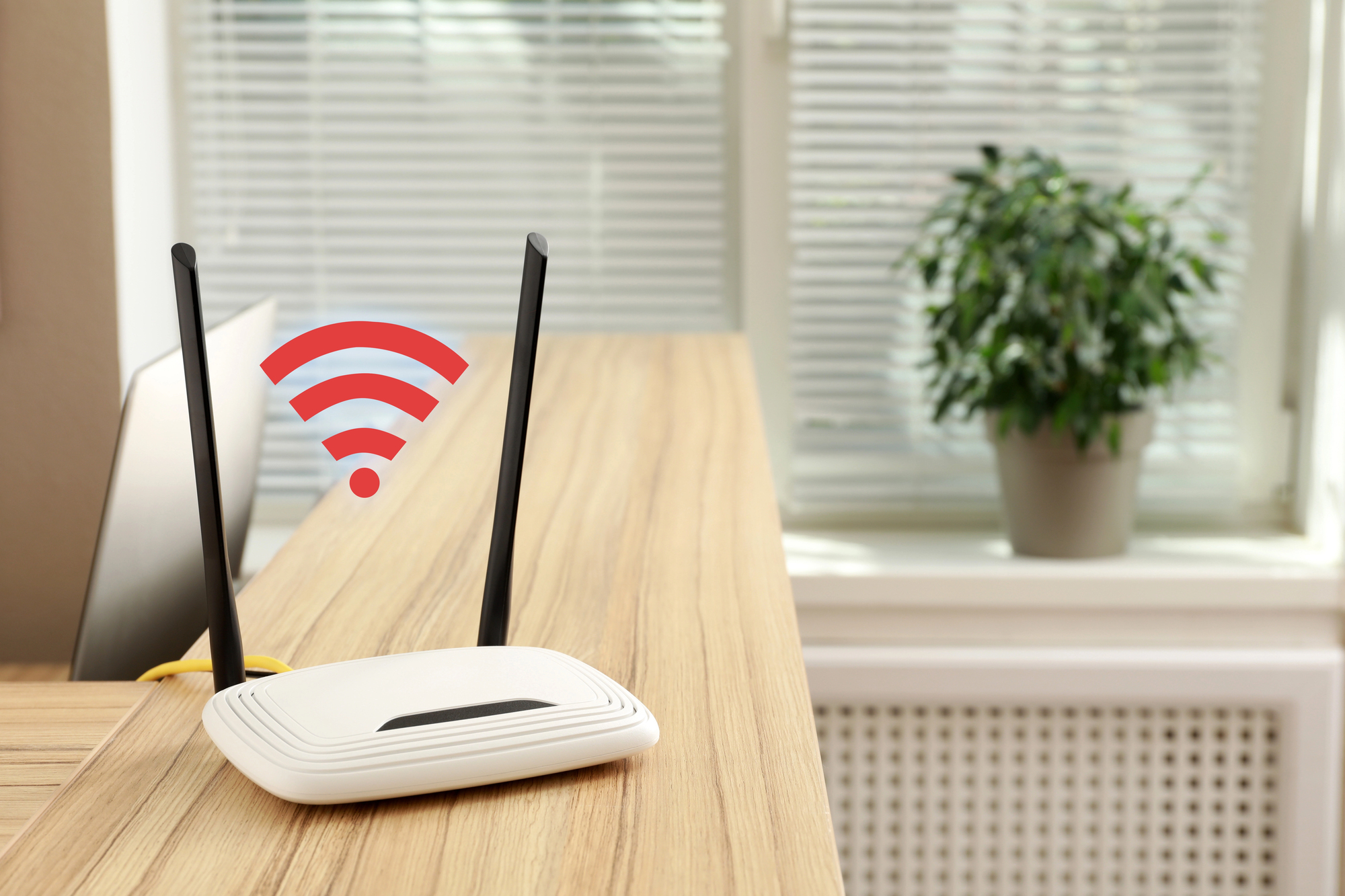
Wireless signal boosters promise to push your internet connection into the corners your router cannot reach. Here is what they actually do, when they work, and when something else will serve you better.
Every home has one. The dead zone. It might be the bedroom at the far end of the hallway where video calls keep freezing. The basement where your gaming console loses connection at the worst possible moment. The garden office that felt like a brilliant idea until you realized the Wi-Fi signal from the house does not quite make it through two walls and a stretch of open air. You are paying for a perfectly decent internet connection and a significant portion of your home simply cannot use it properly.
A wireless signal booster is one of the most searched solutions to this problem, and for good reason. It is relatively inexpensive, requires no technical knowledge to set up, and promises to extend your existing network into the places it currently cannot reach. The reality is a little more nuanced than that, but the core promise is genuine. Understanding exactly what you are buying and whether it matches your specific situation is what separates a purchase that solves the problem from one that sits in a drawer after a week of frustration.
What a Wireless Signal Booster Actually Does
The terms wireless signal booster, Wi-Fi extender, and Wi-Fi repeater are used interchangeably in most shops and listings, and they all refer to the same basic concept. The device picks up the existing wireless signal from your router, amplifies it, and rebroadcasts it under either the same network name or a slightly different one. Devices in the previously weak area connect to the booster instead of struggling to reach the router directly, and the connection improves as a result.
The setup process is typically straightforward. You plug the booster into a wall outlet in an area where it can still receive a reasonably strong signal from your router, usually somewhere between the router and the dead zone rather than inside the dead zone itself. You connect it to your existing network using a physical button, a mobile app, or a brief web setup process, and within a few minutes it begins rebroadcasting. Most modern boosters from reputable brands take less than fifteen minutes from box to working.
The important technical detail to understand is that a booster is working with what it receives. If the signal it picks up from your router is already weak or inconsistent, what it rebroadcasts will reflect those limitations. A booster placed too far from the router in an attempt to reach a very distant dead zone often ends up creating a weak extended network rather than a strong one. Placement is genuinely important and is the most common reason a booster underperforms after installation.
When a Signal Booster Is the Right Answer
A wireless signal booster works best in specific situations. If your home is a manageable size and your dead zone is caused by a single obstacle such as a thick wall, a floor between levels, or a garage conversion that sits just beyond comfortable router range, a booster placed thoughtfully between the router and the problem area will almost certainly solve it.
They are also well suited to rental properties or situations where running ethernet cables through walls is not an option. A booster requires nothing more than a power outlet to install, which makes it the most practical solution for anyone who cannot or does not want to make permanent changes to the building.
For light to moderate use in the extended area, which covers browsing, streaming, video calls, and general device connectivity, a quality booster in the right position delivers a noticeably better experience than relying on a weak direct router signal. For a spare bedroom, a kitchen, or an outdoor area used casually, it is often all that is needed.
When a Signal Booster Is Not Enough
There are situations where a booster is the wrong tool, and recognizing them saves money and frustration. Large homes with multiple dead zones spread across different areas are better served by a mesh networking system, which places several access points throughout the home that communicate with each other and provide seamless, consistent coverage rather than a single boosted pocket. Mesh systems cost more but the result is meaningfully better for homes above a certain size or complexity.
High-demand uses in the extended area, such as competitive gaming, 4K streaming on multiple devices simultaneously, or intensive video editing over a network drive, can expose the bandwidth limitations of a repeater setup. Because the booster is both receiving and rebroadcasting on the same radio in most entry-level models, the available bandwidth to connected devices is effectively halved compared to a direct router connection. Dual-band and tri-band boosters manage this better by dedicating one band to the router backhaul and another to client devices, but they cost correspondingly more.
If your internet speeds in rooms close to the router are also disappointing, the problem is not signal range. It is either the router itself, the internet plan, or interference from neighboring networks. A booster will not fix any of those underlying issues and adding one to a fundamentally underperforming setup will produce equally underwhelming results at greater range.
What to Look For When Buying One
The most important thing to match is the Wi-Fi generation your router uses. Buying a Wi-Fi 5 booster for a Wi-Fi 6 router means the extended network will be slower than your primary one. Checking your router specifications before purchasing ensures the booster can actually keep pace with what your router is capable of delivering.
Dual-band support is worth paying a modest premium for. A single-band booster uses one frequency for everything, which creates the bandwidth halving problem mentioned earlier. A dual-band model separates the router-facing connection from the device-facing one and produces noticeably better real-world speeds for the extra cost.
Physical design matters more than it might seem. Plug-in boosters that sit flush against the wall are convenient but can end up in inconvenient positions depending on where your outlets are. Desktop models with external antennas are bulkier but offer more placement flexibility and often better range directional control. For outdoor coverage, weatherproof options exist and are worth the investment over using an indoor unit near a window.
Reputable brands including TP-Link, Netgear, and Asus offer well-reviewed boosters across a range of price points. Entry-level options from these manufacturers in the 30 to 60 dollar range handle most standard home situations reliably. Stepping up to the 80 to 120 dollar range gets you dual-band support, better antennas, and software features that make placement optimization easier.
The Setup Mistake Most People Make
The single most common reason a wireless signal booster disappoints after purchase is placement. People tend to put the booster inside the dead zone because that is where they want better signal. The booster then picks up a weak, inconsistent signal from the router and rebroadcasts an equally weak one. The dead zone becomes slightly less dead but the improvement is marginal.
The correct approach is to place the booster in the last position where your router signal is still reasonably strong, typically about halfway between the router and the dead zone, where the booster receives a solid signal and can project a meaningful improvement into the area beyond. Most booster apps include a signal strength indicator during setup that takes the guesswork out of finding that sweet spot. Using it rather than relying on instinct makes a real difference to the end result.


