

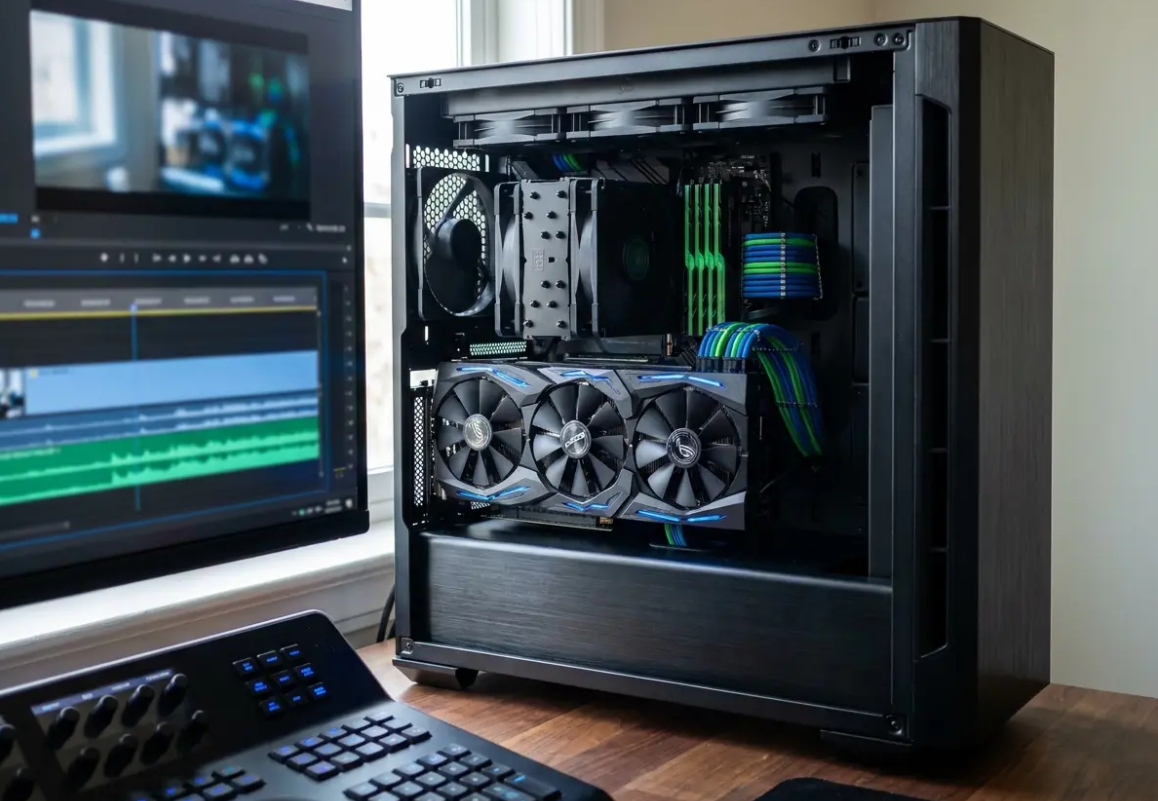
Display technology advances rapidly, consistently pushing the boundaries of visual clarity and fine digital detail for demanding consumers. Have you ever wondered why some modern UHD displays look incredibly sharp while older screens appear noticeably blurred? The transition to a 4K screen resolution represents a major foundational shift in modern digital media consumption.
A standard 4K monitor offers exactly four times the total pixel count of older 1080p high-definition monitors. This massive increase creates a sharper, more realistic image that captures minute details previously lost to heavy video compression. Whether you perform professional 4K video editing or stream movies, this technology fundamentally changes your daily visual experience.
Understanding the underlying technical specifications helps you make informed decisions about your personal hardware setup and display choices. The standard 4K resolution, often referred to as Ultra High Definition, features a 3840 x 2160 pixel count. Most modern 4K TV units and high-end computer monitors now feature this specific pixel density as standard factory equipment.
The technical term 4K originates directly from the commercial cinema industry, referring to a horizontal resolution approaching 4000 pixels. Digital Cinema Initiatives established the original theatrical projection standard at exactly 4096 by 2160 pixels for commercial movie theaters. Consumer electronics manufacturers adapted this standard for home use, creating the slightly narrower 3840 x 2160 UHD television format.
This specific consumer format maintains the familiar 16:9 aspect ratio used by previous high-definition television broadcast standards. The brilliant adaptation allowed for a smooth consumer transition without displaying annoying black bars on standard broadcast content. Pixel density plays a crucial role in how your human eyes perceive this massively increased high-resolution display.
We measure this density in pixels per inch, which dictates the physical size of the individual digital pixels. A standard 27-inch 4K monitor packs roughly 163 pixels into every square inch of available screen real estate. This higher density effectively eliminates the visible pixel grid, creating text and images that look like printed physical paper.
Key Takeaways
- Consumer 4K resolution features 3840 horizontal pixels and 2160 vertical pixels in a 16:9 ratio.
- Increased pixel density eliminates the visible screen grid, making digital text look like printed paper.
- The format originated from commercial cinema standards before adapting to standard consumer electronics.
Calculating Optimal Viewing Distances for Your 4K TV and 4K Monitor
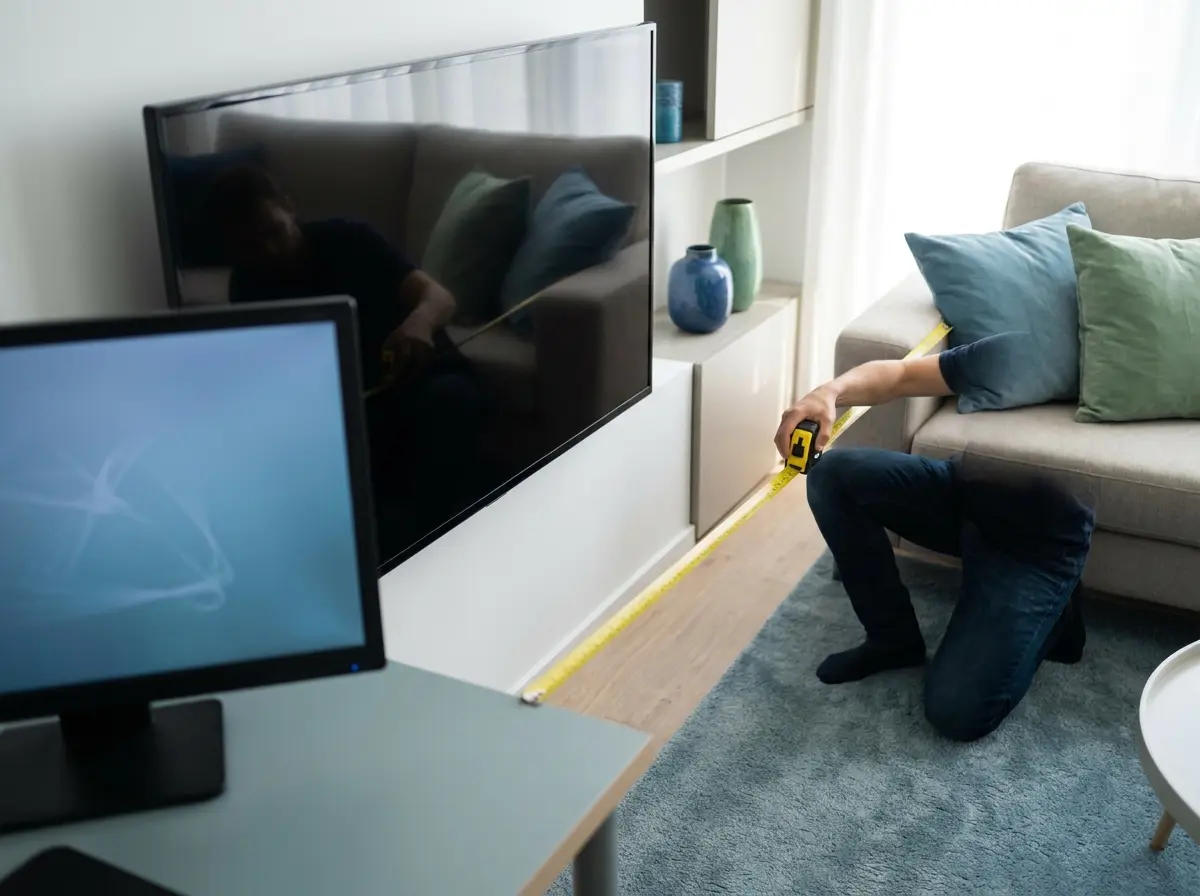
Your physical distance from the screen dictates whether your human eyes can actually perceive true 4K screen resolution. Human visual acuity features strict biological limits regarding exactly how much detail we can resolve at various distances. If you sit too far away, an expensive Ultra High Definition screen looks completely identical to a standard 1080p display.
You waste valuable processing power and electrical energy if you exceed the optimal viewing distance for your screen. The Society of Motion Picture and Television Engineers provides highly specific mathematical guidelines for proper display positioning. For a standard 65-inch 4K TV, the optimal viewing distance sits squarely between four and eight physical feet.
Sitting closer than four feet might cause you to see individual pixels or experience significant physical eye strain. Moving further than eight feet away blends the extra pixels together, completely negating the expensive resolution advantage. Computer monitors require different mathematical calculations because desktop users sit much closer to the physical display surface.
Pro Tip
Always adjust your operating system display scaling to 150% when using a 27-inch 4K monitor. This specific setting keeps interface elements readable while maintaining the incredibly sharp text rendering provided by the high pixel density.
Essential Hardware Requirements for Heavy 4K Ultra High Definition Processing
Driving a massive 4K monitor demands substantial computational power from your connected desktop computers and media devices. Are you prepared to upgrade your entire hardware ecosystem to support this massive resolution increase effectively? Your graphics processing unit must calculate and simultaneously render over eight million individual pixels for smooth 4K gaming.
This immense computational workload crushes older graphics cards and standard integrated motherboard graphics chips instantly. Gamers face the steepest hardware requirements because real-time 3D rendering demands significantly more power than passive video playback. Hardware benchmarking data indicates that consistent 4K gaming requires expensive, enthusiast-tier graphics cards to maintain smooth framerates.
Bandwidth limitations often cause severe frustration when setting up high-resolution displays for the very first time. Older HDMI 1.4 cables simply cannot transmit enough digital data to support 4K at a smooth 60 frames per second. You must purchase HDMI 2.0 or DisplayPort 1.2 cables at an absolute minimum for basic 60Hz desktop operation.
️Warning
Never use cheap, uncertified HDMI cables when connecting high-refresh-rate 4K monitors to your computer. Low-quality cables frequently cause random screen blackouts, flickering pixels, and failure to negotiate HDR metadata properly.
How to Configure Your 4K Screen Resolution and High-Resolution Display Workspace
Setting up a new 4K monitor requires several precise software adjustments to function properly on your desk. Operating systems do not always automatically detect and apply the optimal visual settings for high-resolution displays. You might experience tiny, unreadable text or a sluggish refresh rate upon your initial cable connection.
Proper configuration prevents physical eye strain and maximizes your expensive hardware performance during long working hours. You need to verify that your operating system communicates correctly with your new high-resolution display hardware. Follow these specific procedures to optimize your computer operating system for an Ultra High Definition panel connection.
Taking the time to calibrate these settings greatly improves your daily productivity and overall viewing comfort. Many users complain about tiny icons without realizing they can easily fix the issue through basic software settings. The following steps work for modern Windows operating systems connected to any standard 4K screen resolution panel.
How to Optimize Your 4K Display Settings
Adjust Operating System Display Scaling
Navigate to your display settings and locate the scale and layout section. Change the scaling percentage from 100% to 150% or 200%, depending on your physical screen size, to make text readable.
Tip: Log out and log back into your user account to force all older applications to recognize the new scaling settings.
Verify the Maximum Refresh Rate
Open the advanced display settings menu to check your current active refresh rate. Select the highest available number from the dropdown menu to guarantee smooth mouse movement and fluid window dragging.
Enable High Dynamic Range Processing
Locate the Windows HD Color settings and toggle the switch to enable HDR capabilities. This step activates the expanded color gamut and increased contrast ratios supported by modern 4K display panels.
Professional Industry Applications and 4K Video Editing Use Cases
Professional content creators rely heavily on 4K screen resolution to maintain precise visual quality control. Experts performing 4K video editing need the extra screen real estate to view full-resolution footage while keeping their complex software timelines visible. Photographers benefit immensely from the high pixel density when retouching extremely fine details in massive, high-megapixel RAW image files.
This expanded digital workspace increases worker productivity by heavily reducing the frustrating need to zoom and scroll constantly. Computer workstation specialists strongly recommend 4K panels for absolutely anyone working in professional visual media production. The medical industry also heavily utilizes UHD displays to significantly improve diagnostic accuracy and long-term patient outcomes.
Medical radiologists require incredibly detailed monitors to spot microscopic, life-threatening anomalies in digital X-rays and complex MRI scans. A standard high-definition monitor might easily obscure a tiny bone fracture or an early-stage tumor due to heavy pixelation. Surgical teams routinely use 4K cameras and specialized displays during highly complex, minimally invasive laparoscopic medical procedures.
Key Takeaways
- Video editors use 4K displays to view full-resolution footage without hiding their software timelines.
- Medical professionals rely on high pixel density to spot microscopic anomalies in diagnostic imaging.
- The expanded digital workspace drastically reduces the need to zoom and scroll during complex tasks.
Future Innovations in 4K UHD and 8K Display Technology
Manufacturers continue to push far beyond 4K, already introducing massive 8K displays directly to the high-end consumer market. An 8K screen quadruples the physical pixel count once again, resulting in an astonishing 33 million individual digital pixels. However, the average human eye struggles heavily to perceive this minor difference unless the screen sits exceptionally close.
Native digital content availability for 8K panels remains severely limited, making the expensive upgrade highly impractical for most consumers today. The display industry currently focuses heavily on improving underlying panel technologies rather than simply increasing the raw pixel count. OLED and MicroLED panels represent the next major visual evolution in consumer display quality and overall color accuracy.
These advanced panel technologies allow individual pixels to turn off completely, achieving perfect black levels and infinite screen contrast. Traditional LCD panels with 4K resolution still require a bright backlight, which frequently causes annoying light bleed in dark scenes. Display engineering data shows that perfect black levels create a much more impactful visual upgrade than adding more pixels.
Conclusion
Upgrading to a 4K screen resolution provides a highly tangible, immediate improvement to your daily digital media experience. The massive increase in raw pixel density transforms blurry internet text into incredibly sharp, highly legible digital typography. Video content looks remarkably lifelike and clear, especially when properly combined with modern High Dynamic Range processing technology.
You must clearly understand your specific hardware capabilities before making the expensive transition to avoid frustrating performance bottlenecks. Consider your available physical space and calculate your exact viewing distance carefully when selecting a new high-resolution display panel size. Proper software configuration of your operating system scaling prevents physical eye strain and vastly improves daily workplace usability.


