

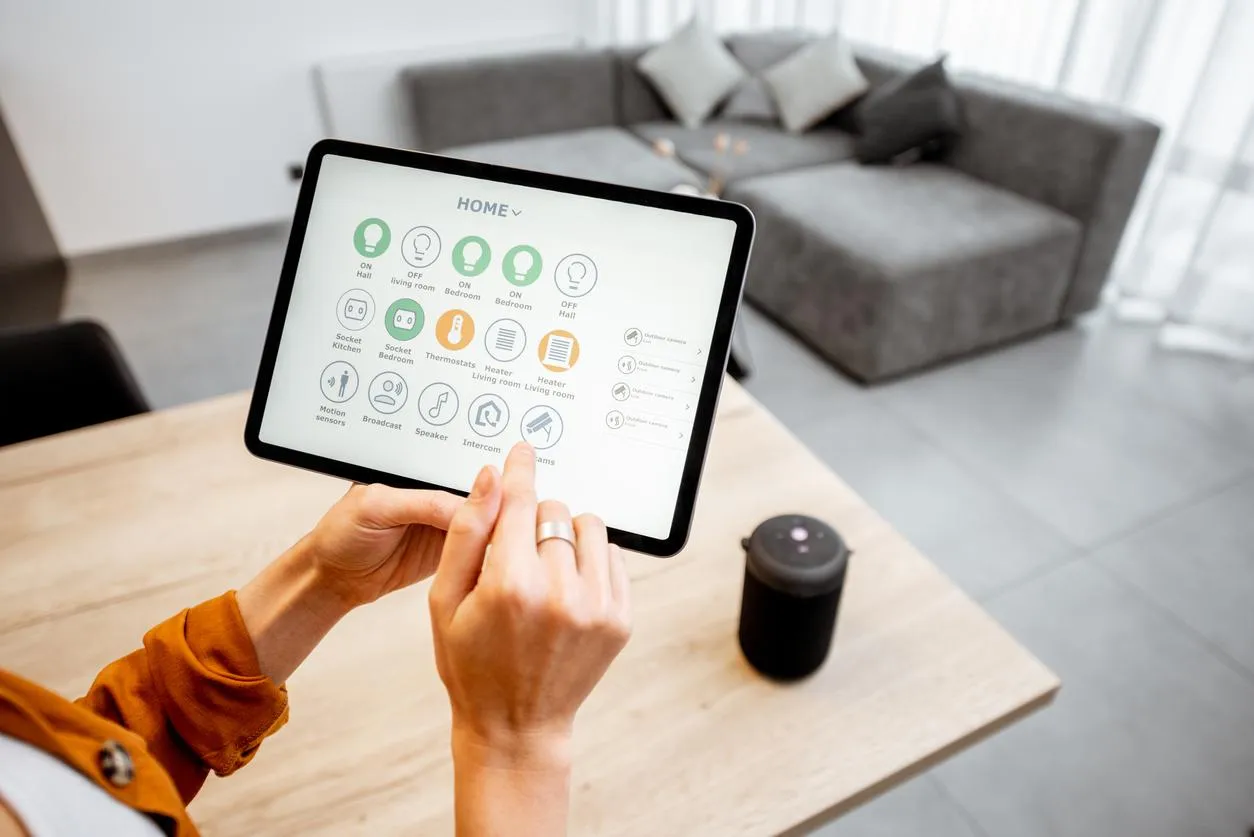
Smart home technology has become more accessible than ever, allowing homeowners to enhance convenience, security, and energy efficiency without spending a fortune. Setting up a smart home on a budget involves prioritizing essential devices, leveraging compatible ecosystems, and making strategic purchases to maximize value.
This guide will walk you through step-by-step strategies for building an affordable smart home while ensuring it is practical, scalable, and efficient.
Why Consider a Smart Home
Smart homes offer several benefits:
- Convenience: Control lighting, thermostats, and appliances from your smartphone or voice assistant.
- Security: Smart cameras, locks, and sensors provide real-time monitoring.
- Energy Efficiency: Automated lighting and smart thermostats reduce energy consumption.
- Comfort: Integrate smart speakers, thermostats, and lighting to create personalized living environments.
By setting up a budget-friendly system, you can enjoy these benefits without overspending.
Step 1: Plan Your Smart Home Essentials
Before buying devices, identify your priorities:
- Lighting: Smart bulbs or smart plugs for lamps.
- Security: Cameras, door locks, or motion sensors.
- Climate Control: Smart thermostat or smart plugs for heaters and fans.
- Voice Assistants: Central hub to control devices (Amazon Alexa, Google Home, or Apple HomePod).
- Entertainment: Smart speakers, streaming devices, or smart TVs.
Focusing on essential devices first prevents unnecessary expenses and allows gradual expansion.
Step 2: Choose an Ecosystem
Selecting one ecosystem simplifies management and ensures device compatibility:
- Amazon Alexa: Affordable devices and wide compatibility.
- Google Home/Assistant: Integrates well with Google services and Android devices.
- Apple HomeKit: Best for Apple users, slightly more expensive but secure and reliable.
Prioritizing one ecosystem avoids compatibility issues and makes the setup smoother.
Step 3: Start With Affordable Smart Devices
Here are budget-friendly options to get started:
- Smart Plugs: Transform regular appliances into controllable devices.
- Smart Bulbs: LED bulbs with app or voice control for energy savings and automation.
- Entry-Level Smart Cameras: Indoor cameras to monitor key areas without spending a lot.
- Basic Smart Speakers: Voice control for devices, timers, reminders, and music.
By choosing entry-level devices first, you can scale your smart home as needed.
Step 4: Automate for Convenience
Automation is a core feature of smart homes and doesn’t have to be expensive:
- Set lights to turn on/off based on sunset or motion.
- Schedule smart plugs for energy savings on heaters or coffee makers.
- Use geofencing so devices activate when you arrive home.
- Combine multiple devices into “scenes” for one-touch control (e.g., “Good Night” turns off lights and locks doors).
Automation adds significant convenience without a large investment.
Step 5: Leverage Multi-Function Devices
To save money, look for devices that serve multiple purposes:
- Smart speakers with built-in hubs (Amazon Echo or Google Nest Hub)
- Security cameras that also function as doorbell cameras
- Thermostats that integrate with both heating and cooling systems
Multi-function devices reduce the total number of purchases needed to create a functional smart home.
Step 6: DIY and Repurpose
- Repurpose old smartphones or tablets as smart displays or security cameras.
- Use open-source apps or platforms like Home Assistant for free automation.
- Bundle smart home purchases with deals or promotions to lower initial costs.
DIY solutions allow you to expand capabilities without additional spending.
Step 7: Consider Energy Efficiency
Smart homes can save money long-term by reducing energy costs:
- Smart thermostats adjust heating and cooling automatically.
- Smart plugs prevent standby power wastage.
- Motion-activated lighting reduces unnecessary electricity use.
Budget-conscious setups can be both functional and cost-saving over time.
Common Challenges
Even with a budget-friendly approach, there are potential hurdles:
- Device compatibility across ecosystems
- Limited range of wireless connectivity
- Frequent updates or obsolescence
These challenges are similar to broader issues in tech industries, like Challenges Facing Today’s Chip Manufacturers, where supply, compatibility, and technological advancement must be balanced for efficiency.
Recommended Budget Smart Home Devices
| Device Type | Budget-Friendly Options | Key Benefits |
|---|---|---|
| Smart Plug | TP-Link Kasa, Gosund | Control appliances remotely, energy monitoring |
| Smart Bulb | Wyze, Philips Hue White | App control, automation, dimming |
| Smart Camera | Blink Mini, Wyze Cam | Indoor monitoring, motion detection |
| Smart Speaker | Amazon Echo Dot, Google Nest Mini | Voice control, hub integration |
| Smart Thermostat | Wyze Thermostat | Temperature automation, energy saving |
Frequently Asked Questions (FAQs)
Can I set up a smart home without spending much?
Yes. Start with essential devices like smart plugs, bulbs, and a basic voice assistant hub, then expand gradually.
Do I need professional installation?
Most smart home devices are easy to install with step-by-step instructions and apps.
Are budget smart devices reliable?
Affordable devices from reputable brands are generally reliable, though premium models may offer more features and durability.
Can I mix devices from different ecosystems?
It’s possible, but sticking to one ecosystem ensures better compatibility and simpler management.
Will smart home devices save money?
Yes, especially with energy-efficient lighting, smart thermostats, and automation to reduce waste.
Final Thoughts
Setting up a smart home on a budget is achievable by planning, prioritizing essential devices, and leveraging multi-functional and DIY solutions. With careful choices, you can enjoy convenience, security, and energy efficiency without overspending. Gradually scaling your setup ensures a cost-effective and fully integrated smart home that suits your lifestyle.


