

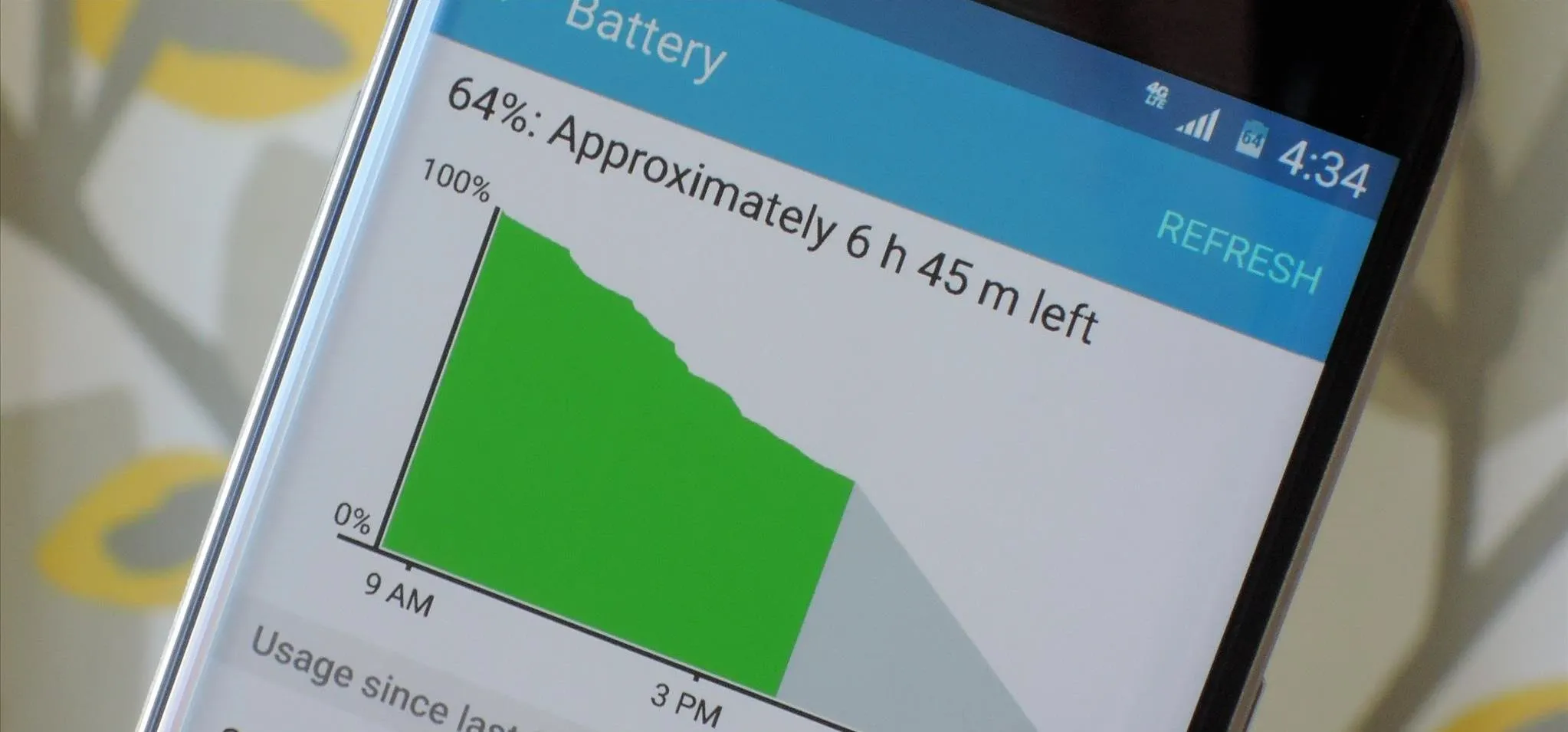
Battery life is one of the most common concerns for Android users. Even with modern devices featuring larger batteries, heavy app usage, notifications, and background processes can drain your phone faster than expected. Fortunately, there are several practical strategies to extend battery life, improve performance, and reduce the need for constant charging.
This guide explores the best tips, settings adjustments, and habits to maximize your Android device’s battery life in 2025.
Key Factors Affecting Android Battery Life
Understanding what drains your battery is the first step in improving longevity. Key factors include:
- Screen brightness and resolution – High brightness and high refresh rates consume more power.
- Background apps – Apps running in the background can drain battery silently.
- Connectivity – Wi-Fi, Bluetooth, GPS, and mobile data usage all impact battery life.
- Push notifications – Frequent notifications wake your device repeatedly.
- Battery age – Over time, batteries lose capacity, reducing total runtime.
By addressing these factors, you can significantly extend daily battery performance.
Top Ways to Improve Battery Life on Android Devices
1. Adjust Screen Settings
- Reduce screen brightness or enable adaptive brightness.
- Lower refresh rate (60Hz instead of 120Hz or higher).
- Reduce screen timeout duration.
2. Manage Background Apps
- Close unused apps from recent apps menu.
- Use battery optimization settings to restrict background activity for power-hungry apps.
3. Optimize Connectivity
- Turn off Wi-Fi, Bluetooth, GPS, or mobile data when not in use.
- Enable Airplane Mode in areas with poor signal to prevent battery drain from constant searching.
4. Use Power-Saving Modes
- Enable built-in battery saver or ultra power-saving modes to limit background activity and app performance.
- Many devices allow scheduling battery saver to activate automatically at low battery levels.
5. Manage App Notifications
- Disable unnecessary notifications that wake the screen frequently.
- Use “Do Not Disturb” mode for focused periods.
6. Update Software
- Keep Android OS and apps updated to benefit from performance and battery optimizations.
- Bug fixes often improve battery efficiency.
7. Limit Widgets and Live Wallpapers
- Widgets and live wallpapers continuously refresh data, increasing battery consumption.
- Replace with static wallpapers and minimize active widgets.
Table: Quick Battery Optimization Tips for Android Devices
| Optimization Tip | Description | Impact on Battery Life |
|---|---|---|
| Screen Settings | Reduce brightness, lower refresh rate | High |
| Background App Management | Close unused apps, restrict power-hungry apps | Medium-High |
| Connectivity Optimization | Turn off Wi-Fi, Bluetooth, GPS when unused | Medium |
| Power-Saving Mode | Enable battery saver or ultra-saving mode | High |
| Notification Management | Disable unnecessary notifications | Medium |
| Software Updates | Keep OS and apps updated | Medium |
| Widgets & Live Wallpapers | Minimize active widgets and use static wallpapers | Low-Medium |
Additional Tips for Long-Term Battery Health
- Avoid extreme temperatures (both hot and cold) as they degrade battery performance.
- Charge your phone using the recommended charger and avoid letting the battery drain completely regularly.
- Consider replacing old batteries if your device consistently underperforms.
- For gaming or streaming-heavy users, lower performance or graphics settings to reduce battery strain.
When setting up your home tech environment, attention to details is important. Just as selecting Essential Components for a Home Theater System ensures smooth performance and efficiency, managing your Android device’s settings and usage patterns optimizes battery performance and longevity.
FAQs
1. Does turning off 5G improve battery life?
Yes, 5G consumes more battery than 4G. Switching to 4G when high speed is unnecessary can extend battery life.
2. Are battery saver modes effective?
Yes, battery saver modes reduce background activity, screen refresh rates, and push notifications, significantly extending battery life.
3. Do apps claiming to save battery actually work?
Some apps help monitor usage, but built-in battery optimization settings are usually more effective.
4. How often should I charge my Android device?
Frequent partial charging is better than letting the battery drain to 0% and charging fully, which can reduce battery lifespan.
5. Can software updates affect battery life?
Yes, updates often include optimizations that improve battery efficiency, so keeping your device up to date is important.
Final Thoughts
Improving battery life on Android devices requires a combination of smart settings adjustments, app management, and mindful usage. By reducing screen brightness, limiting background activity, optimizing connectivity, and using power-saving features, you can extend your device’s daily runtime and overall battery lifespan. Just as carefully selecting Essential Components for a Home Theater System enhances performance and longevity, applying these strategies ensures your Android device performs efficiently while reducing frequent charging needs.


