

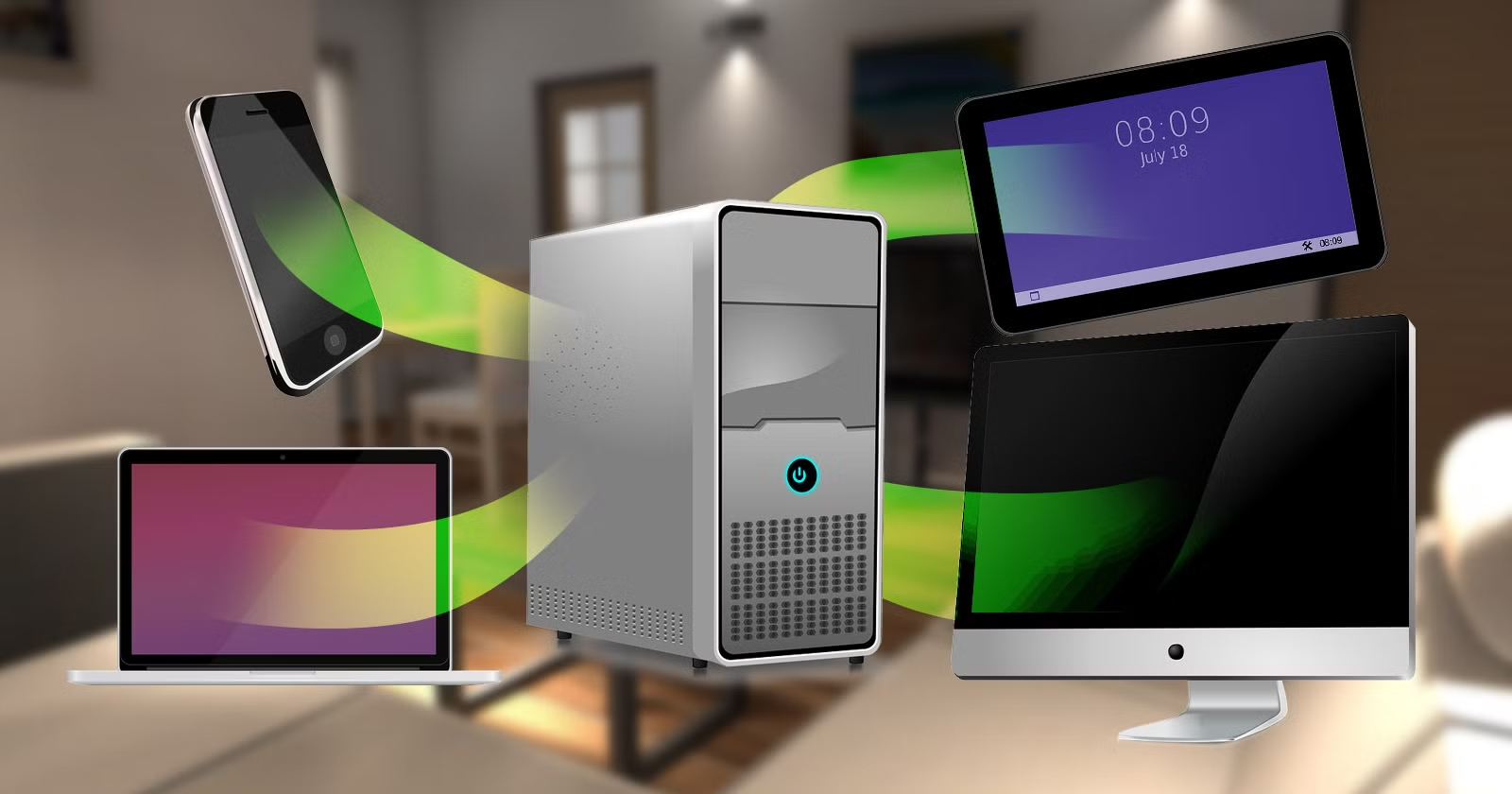
Building a home server for media streaming is an excellent way to take control of your digital entertainment. Instead of relying on multiple subscriptions or external platforms, a personal media server allows you to store, organize, and stream your own movies, TV shows, music, and photos across devices. With the right hardware, software, and setup, even beginners can create a reliable home streaming server.
This guide explains everything you need to know, from choosing components to configuring software and ensuring smooth performance.
What Is a Home Media Server?
A home media server is a dedicated computer or device that stores media files and streams them over your local network or the internet. It acts as a central hub that delivers content to smart TVs, laptops, tablets, and smartphones.
Unlike external streaming services, a home server gives you full ownership of your media library and greater privacy and customization.
Benefits of Building a Home Media Server
Building your own server offers several advantages:
- One-time setup with no monthly fees
- Access to your media from multiple devices
- Better organization and metadata control
- Customizable storage capacity
- Improved streaming quality over local networks
A home server is especially useful for households with multiple users or large media collections.
Choosing the Right Hardware
Hardware selection depends on your budget, storage needs, and performance expectations. You do not need expensive enterprise equipment to get started.
Essential Hardware Components
- Processor (CPU): Handles streaming and transcoding
- Memory (RAM): Improves multitasking and stability
- Storage Drives: Store your media files
- Network Interface: Enables fast data transfer
- Power Supply: Ensures reliable operation
Low-power systems are ideal for servers that run continuously.
Recommended Hardware Options
| Component | Beginner Recommendation |
|---|---|
| CPU | Entry-level Intel or AMD CPU |
| RAM | 8 GB minimum |
| Storage | 4–8 TB HDD or SSD combination |
| Operating System | Linux or Windows |
| Network | Gigabit Ethernet |
External drives can be added later to expand storage without replacing existing hardware.
Selecting the Right Operating System
The operating system manages your server and runs streaming software. Popular options include:
- Linux-based systems for stability and efficiency
- Windows for user-friendly setup
- Dedicated server operating systems for advanced users
Beginners often prefer familiar environments, while advanced users may prioritize performance and customization.
Media Server Software Options
Media server software organizes your files and streams them to devices. These platforms automatically fetch metadata, artwork, and descriptions to create a polished library.
Key features to look for:
- Device compatibility
- Automatic media organization
- User profiles and access control
- Remote streaming support
Many platforms also support plugins for additional functionality.
Setting Up Your Media Library
Organizing your media correctly ensures smooth streaming and accurate metadata. Create separate folders for movies, TV shows, music, and personal videos. Use consistent file naming to help server software identify content correctly.
A well-structured library improves performance and makes browsing more enjoyable.
Network Configuration for Smooth Streaming
Network performance plays a major role in streaming quality. A wired Ethernet connection is strongly recommended for the server. Wireless streaming works best with modern routers and strong signal coverage.
To optimize performance:
- Use gigabit Ethernet whenever possible
- Upgrade your router if needed
- Avoid heavy network traffic during streaming
- Enable quality of service settings
Proper networking prevents buffering and lag.
Power Efficiency and Cooling
Since a home server may run 24/7, power efficiency is important. Energy-efficient CPUs and hard drives reduce electricity costs. Adequate cooling prevents overheating and extends hardware lifespan.
Place the server in a well-ventilated area and monitor temperatures regularly.
Security and Remote Access
If you plan to stream media outside your home, security becomes essential. Enable strong passwords, update software regularly, and avoid exposing unnecessary ports.
Using secure remote access ensures your server remains protected while accessible.
Educational and Multi-Purpose Uses
Beyond entertainment, a home server can support learning and productivity. Families and students can store educational videos, tutorials, and documentaries. In some households, servers complement learning tools and platforms related to Virtual Reality Applications in Education by providing centralized storage for immersive content.
Common Mistakes to Avoid
- Underestimating storage needs
- Using weak hardware for transcoding
- Ignoring backup solutions
- Relying solely on wireless connections
- Skipping software updates
Avoiding these mistakes ensures long-term reliability.
Frequently Asked Questions (FAQs)
Do I need advanced technical skills to build a home server?
No, beginners can build a basic home server using simple hardware and user-friendly software with step-by-step guides.
How much does it cost to build a home media server?
A basic setup can cost between $300 and $600, depending on hardware choices and storage capacity.
Can I stream media outside my home network?
Yes, with proper configuration and security settings, you can stream content remotely from anywhere.
Is a home server better than cloud storage?
A home server offers greater control and no subscription fees, but cloud storage provides off-site backups and convenience.
Do I need backups for my media server?
Yes, backups are essential to protect against hardware failure and data loss.
Conclusion
Building a home server for media streaming is a practical and rewarding project that gives you complete control over your digital content. With affordable hardware, efficient software, and proper planning, even beginners can create a powerful streaming solution. Whether used for entertainment, education, or personal archives, a home media server delivers flexibility, privacy, and long-term value that traditional streaming platforms cannot match.


