

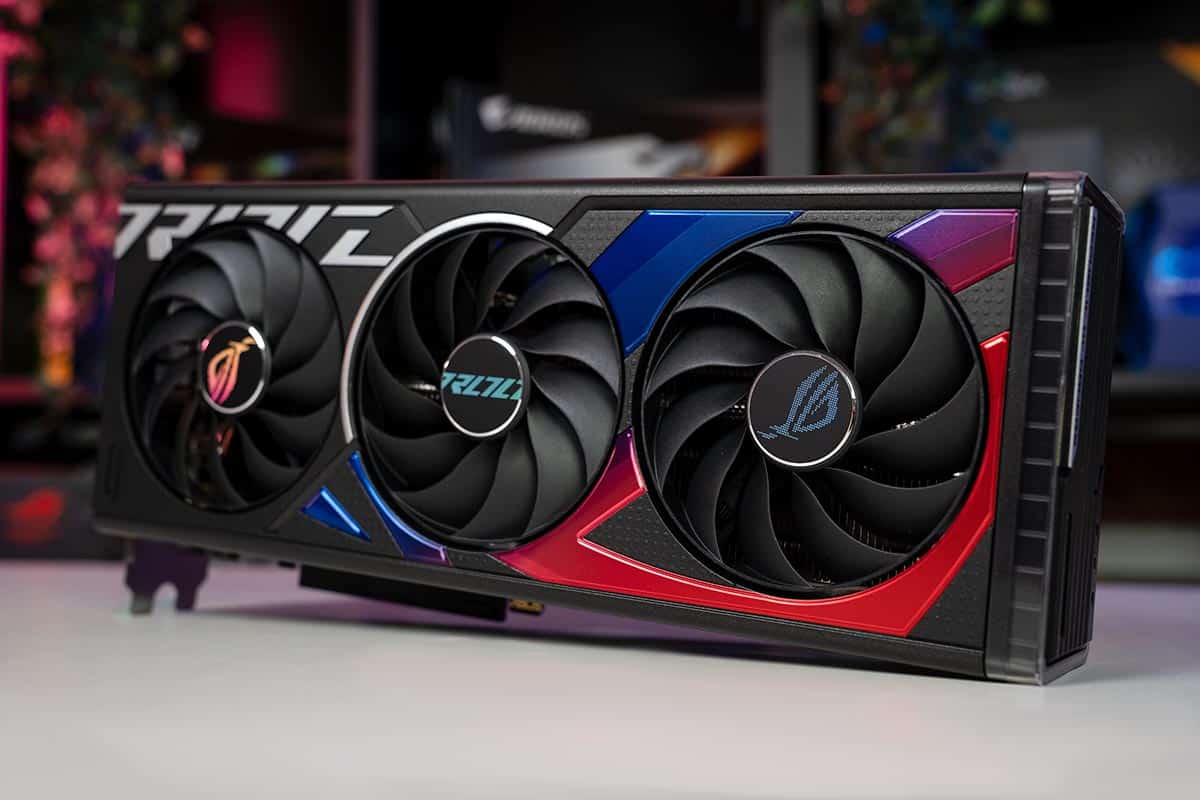
If you’re new to PC gaming, video editing, or creative workflows and want solid graphics performance without breaking the bank, choosing the right graphics card is crucial. This guide covers the best budget-friendly graphics cards that offer reliable performance for beginners, helping you find the perfect balance of power, compatibility, and price.
Whether you’re building your first gaming rig or upgrading an older system, this article will help you make an informed choice.
Why Choosing the Right Budget Graphics Card Matters
A graphics card (GPU) plays a significant role in rendering visuals for games, creative software, and video playback. For beginners, a budget-oriented GPU should:
- Provide smooth performance at 1080p resolution
- Support modern gaming features and API compatibility
- Be energy efficient and compatible with most motherboards
- Offer excellent value for money
Unlike advanced enthusiasts who chase ultra-high frame rates or 4K gaming, beginners usually benefit most from affordable options that deliver enjoyable performance in popular games and applications.
Top Budget-Friendly Graphics Cards for Beginners
Here’s a breakdown of some of the best graphics cards that beginners should consider in 2025.
1. NVIDIA GeForce GTX 1650
The GTX 1650 is a long-time favorite in the entry-level segment. It delivers solid performance for 1080p gaming in many titles and consumes very little power, making it ideal for systems without high-wattage power supplies.
Pros:
- Great value for 1080p gaming
- Low power requirements
- Widely available
Cons:
- Not ideal for the latest AAA titles at high settings
2. AMD Radeon RX 6500 XT
The RX 6500 XT offers slightly higher raw performance than some competitors in the same price range. It’s a good choice if you want playable performance in esports titles and some newer games without overspending.
Pros:
- Solid performance in esports and popular games
- Competitive price
- Support for modern features
Cons:
- Limited VRAM may affect performance in demanding titles
3. NVIDIA GeForce GTX 1050 Ti (Used or Refurbished)
For very tight budgets, the GTX 1050 Ti remains a viable option if you can find it used or refurbished. While older, it still runs many games at modest settings and is energy efficient.
Pros:
- Very affordable in the used market
- Low power draw
- Easy to install
Cons:
- Outclassed by newer budget cards
- Limited future-proofing
4. AMD Radeon RX 570
The RX 570 is slightly older but offers a substantial performance boost over entry-level cards. If you find a good deal, it’s a great option for beginners who want better performance without a big price jump.
Pros:
- Excellent price-to-performance ratio
- Strong 1080p performance
- Good for games and content creation tasks
Cons:
- Higher power consumption than some newer alternatives
5. NVIDIA GeForce GTX 1660 Super (Entry-Level Midrange)
If your budget stretches a bit higher, the GTX 1660 Super provides a noticeable performance improvement. It’s ideal for gamers who want more than basic performance while still keeping costs under control.
Pros:
- Great performance for 1080p gaming
- Efficient power use
- Strong overall value
Cons:
- Pricier than strictly entry-level options
What to Consider Before Buying a Budget GPU
Choosing the best budget graphics card depends on your specific needs and system setup. Here are important factors to consider:
Performance Goals
Define what you want to achieve:
- Casual gaming: Look for entry-level cards like GTX 1650 or RX 6500 XT
- Competitive esports titles: Prioritize GPUs with steady 60+ FPS
- Light creative workloads: Choose cards with better compute performance
Power and Compatibility
Verify your:
- Power supply unit (PSU) capacity
- Physical space inside your PC case
- Required display outputs (HDMI, DisplayPort, etc.)
Budget cards often require less power, but compatibility still matters.
Future Upgradability
While entry-level cards are great to start, plan for future needs. A slightly higher investment now can extend the life of your PC before you need another upgrade.
Comparison Table of Budget GPUs
| Graphics Card | Approximate Price Range | Best For | Key Feature |
|---|---|---|---|
| GTX 1650 | Low | 1080p casual gaming | Low power, great value |
| RX 6500 XT | Low–Mid | Esports & modern games | Efficient performance |
| GTX 1050 Ti | Very Low | Basic gaming | Extremely affordable |
| RX 570 | Mid | Balanced gaming/performance | Strong 1080p performance |
| GTX 1660 Super | Mid | Competitive 1080p | Excellent value |
How to Install Your Graphics Card
Once you’ve selected your GPU, installing it correctly is essential for performance and longevity.
- Power Down and Unplug: Always turn off your PC and disconnect power.
- Remove Old Card (if upgrading): Unscrew and carefully slide out the old GPU.
- Insert New GPU: Align with the PCIe slot and press gently until it locks.
- Secure with Screws: Ensure stability and proper alignment.
- Connect Power Cables: Some cards require 6-pin or 8-pin power connectors.
- Install Drivers: Download the latest drivers from the manufacturer’s website.
For more details on securing your tech environment and networking gear, refer to “How to Set Up a Secure Home Office Network” to ensure your workstation functions reliably and safely in a connected world.
FAQs
What is a good budget GPU for 1080p gaming?
Cards like the GTX 1650 and RX 6500 XT are excellent starting points for 1080p gaming at medium settings.
Are used graphics cards worth it?
Yes, if you’re new to PC gaming and want maximum performance per dollar, used GPUs like the RX 570 or GTX 1050 Ti can be great value options.
How much should I spend on a beginner GPU?
For beginners, allocating between $100–$250 typically offers a good balance of performance and price.
Can a budget GPU handle creative tasks?
Basic creative work such as photo editing and light video editing can be handled well by cards like the RX 570 or GTX 1660 Super.
Do all GPUs fit every PC?
No. Ensure your PC’s PSU can provide sufficient power and that the card fits your case’s dimensions.
Final Thoughts
Finding the best budget-friendly graphics card for beginners doesn’t have to be overwhelming. By understanding your performance goals, checking compatibility, and comparing options, you can select a GPU that delivers great results without overspending. Whether your focus is gaming, creative work, or general use, there’s a budget graphics card that fits your needs and helps you build a capable and enjoyable PC experience.


