

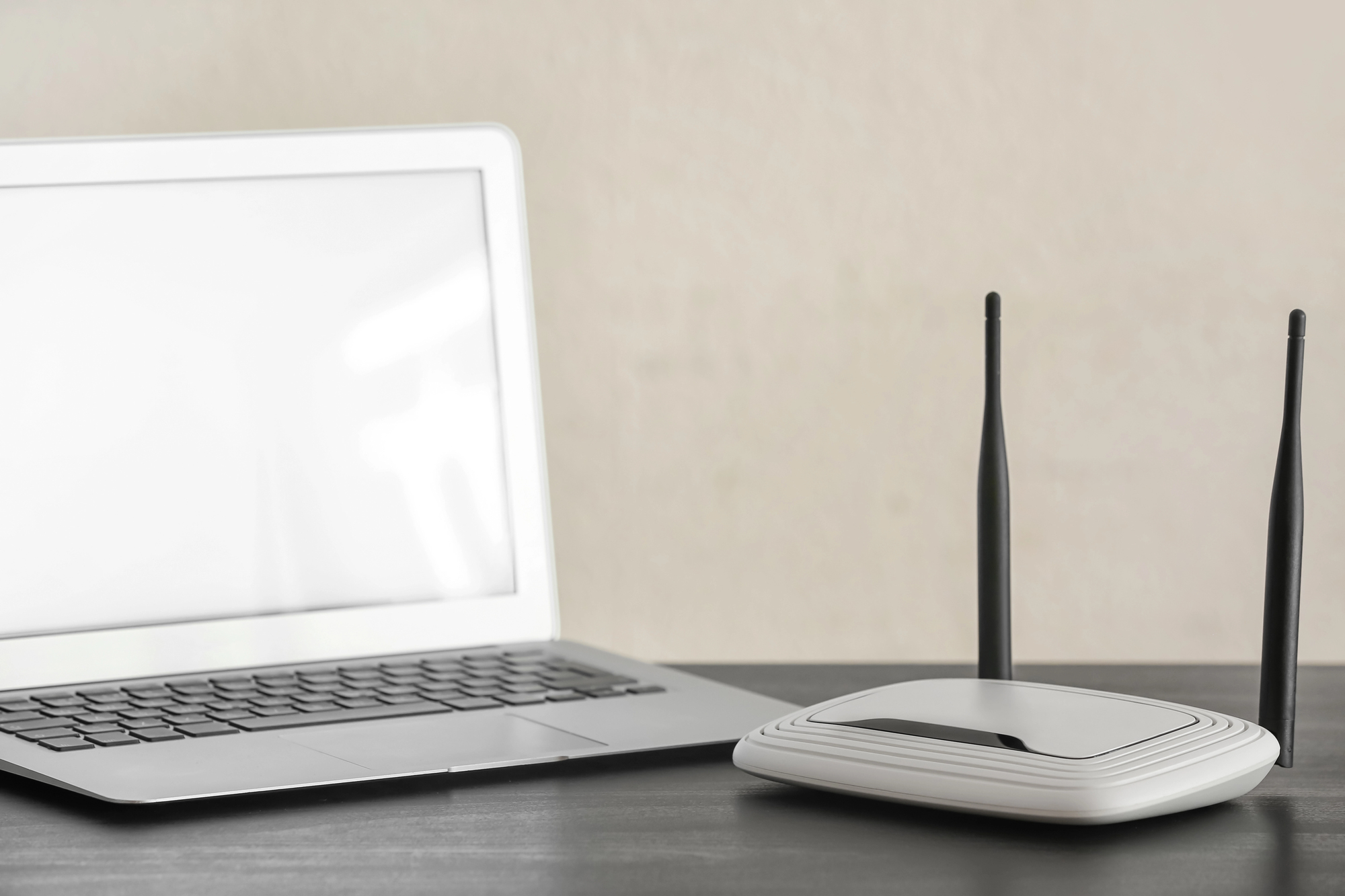
Wi-Fi 7 routers are the newest generation of home networking hardware. They are faster, smarter, and more capable than anything that came before. Whether you need one right now is a different question entirely.
Picture a typical evening in a modern household. Someone is streaming a film in 4K in the living room. Two kids are gaming upstairs. A video call is running in the home office. Several smart home devices are quietly doing their thing in the background. And the Wi-Fi, which was perfectly adequate two years ago, is starting to feel like a four-lane highway that someone forgot to widen when traffic doubled.
This is the problem Wi-Fi 7 routers were built to solve. Not just speed, though the speed gains are real and significant. The deeper promise is a network that handles many devices doing many things simultaneously without anyone noticing the strain. That shift, from a network that works to a network that disappears into the background entirely, is what makes this generation worth paying attention to even if you are not the kind of person who usually cares about router specifications.
What Wi-Fi 7 Actually Is
Wi-Fi generations are named by the Wi-Fi Alliance, the industry body that sets the standards. Wi-Fi 6 arrived around 2019. Wi-Fi 6E followed shortly after, adding access to a less crowded slice of wireless spectrum. Wi-Fi 7, formally known as the 802.11be standard, is the next step, and it brings several meaningful technical improvements rather than just a higher number on the box.
The headline figure is theoretical maximum speed. Wi-Fi 7 can reach speeds of up to 46 gigabits per second under ideal conditions, compared to around 9.6 gigabits per second for Wi-Fi 6. In practice, no home environment will hit those theoretical peaks, but the ceiling matters because it determines how much headroom you have when multiple devices are competing for bandwidth at the same time.
More practically useful is a feature called Multi-Link Operation, or MLO. Previous Wi-Fi generations connected a device to the router on a single frequency band at a time. Wi-Fi 7 allows a device to connect across multiple bands simultaneously, which means if one band gets congested or encounters interference, traffic automatically shifts to a less crowded one without the connection dropping or slowing noticeably. For the average user this translates to a connection that feels more consistent and reliable, particularly in homes with lots of devices or neighbors whose networks overlap with yours.
The Real-World Difference You Would Notice
Speed test numbers are satisfying to look at but they rarely capture what actually changes day to day. The improvements most people notice when upgrading to a Wi-Fi 7 router tend to show up in specific situations rather than general browsing.
Households with ten or more connected devices, which is increasingly common once you count phones, laptops, tablets, smart TVs, streaming sticks, smart speakers, thermostats, and security cameras, often find that their older router starts to struggle under the combined load during peak hours. Wi-Fi 7 handles device congestion more efficiently, meaning that the fifteenth device connecting to the network does not noticeably degrade the experience for the first fourteen.
Gamers and anyone on regular video calls tend to benefit from the latency improvements. Wi-Fi 7 introduces a feature called 4K QAM that allows more data to be packed into each transmission, which alongside MLO contributes to lower and more stable latency. For gaming, lower latency is often more valuable than raw speed. For video calls, it means fewer frozen frames and audio dropouts during busy network moments.
Anyone downloading very large files, whether that is game updates, video production assets, or large software packages, will notice the speed difference more concretely. Downloads that took ten minutes on a Wi-Fi 6 setup can complete in a fraction of the time on Wi-Fi 7, assuming the internet connection itself is fast enough to take advantage of it.
The Catch: Your Devices Need to Support It Too
This is the part of the Wi-Fi 7 conversation that does not always get enough attention. A Wi-Fi 7 router is fully backward compatible, meaning every device you currently own will continue to work with it. But to actually use Wi-Fi 7 features, a device needs to have a Wi-Fi 7 chip inside it. Most devices bought before 2024 do not.
This means that upgrading to a Wi-Fi 7 router today will give your older devices a connection that is at least as good as what they had before, and potentially better due to improved traffic management. But the full benefits of the new standard will only be realized gradually, as the devices in your home get replaced with newer ones that support it. Phones released in 2024 and beyond from major manufacturers are increasingly shipping with Wi-Fi 7 support built in. Laptops and tablets are following the same path.
What a Wi-Fi 7 Router Actually Costs
Wi-Fi 7 routers launched at a premium price point, as new wireless standards typically do. Entry-level Wi-Fi 7 routers from reputable manufacturers like TP-Link, Asus, and Netgear have been available starting around 200 to 300 dollars, with higher-end models featuring better range, more ports, and mesh networking support reaching 500 dollars and beyond.
Prices have come down since the initial launch wave and will continue to do so as the technology matures and competition increases. For most households, a mid-range Wi-Fi 7 router in the 250 to 350 dollar range delivers the meaningful improvements without the premium attached to flagship models designed for enterprise-grade performance in a home casing.
Should You Upgrade Now or Wait
If your current router is more than four or five years old and your household has grown to include a significant number of connected devices, a Wi-Fi 7 router is a reasonable upgrade to make today. You will notice the difference in network stability even before your devices fully support the new standard, and you are future-proofing the setup for the devices you will buy over the next several years.
If your current router is a relatively recent Wi-Fi 6 or Wi-Fi 6E model and your network is performing well, the case for upgrading immediately is weaker. The improvements are real, but they are incremental enough that waiting another year or two while device support matures and prices fall further makes practical sense.
The one scenario where upgrading sooner makes the most sense regardless of router age is a household that has recently added several new Wi-Fi 7 compatible devices and is already starting to feel network congestion. In that case the investment pays off quickly in daily quality of life.


