

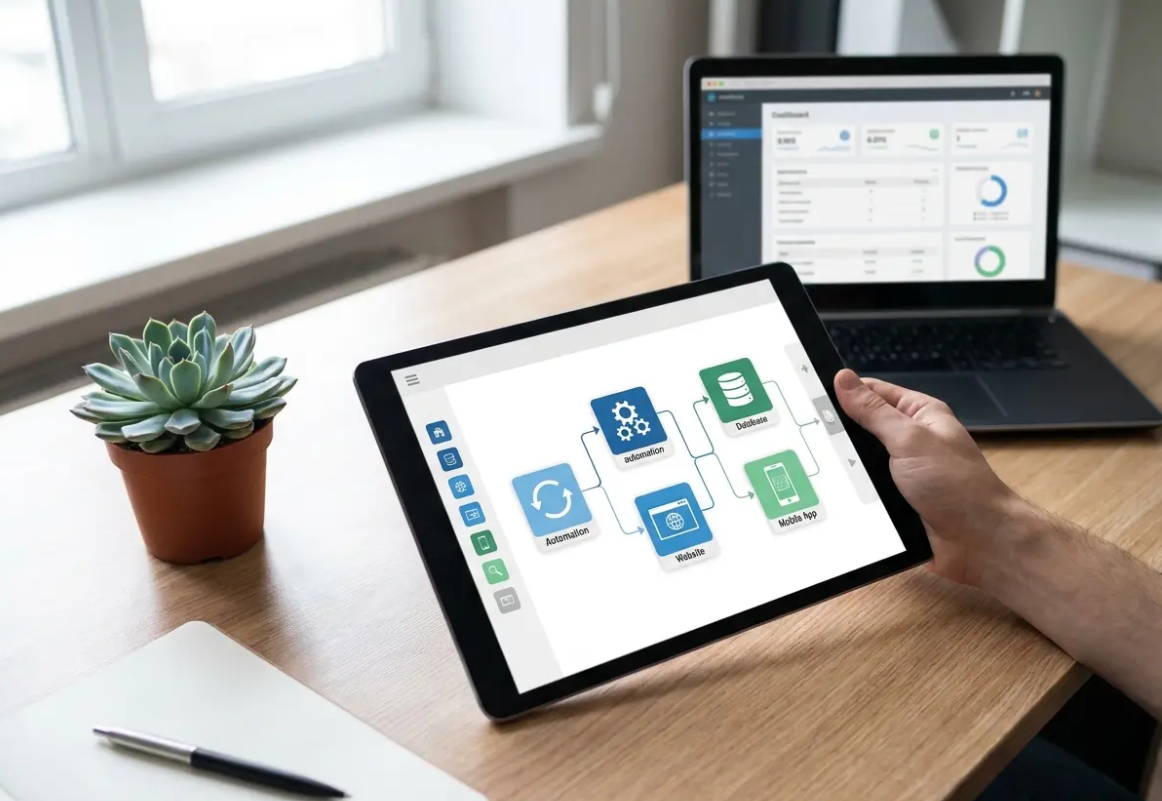
Software development previously demanded years of specialized engineering training and extensive technical knowledge. Today, visual drag-and-drop interfaces allow business professionals to build complex applications without writing a single line of traditional code. No code tools empower individuals to create dynamic websites, automate tedious workflows, and launch digital products rapidly.
This fundamental shift democratizes technology creation across enterprise organizations and small businesses alike by removing traditional barriers to entry. Marketing teams can deploy interactive web experiences independently, while operations managers construct custom internal databases to track inventory. You will save significant development time and financial capital by leveraging these intuitive visual development platforms to accelerate your digital transformation initiatives.
Organizations face a massive shortage of qualified software engineers in the current labor market. According to Gartner, global demand for application development will grow five times faster than IT capacity can deliver. Visual development platforms and low-code solutions bridge this critical gap by allowing non-technical staff to produce functional software.
Companies reduce their time to market dramatically when they bypass traditional development bottlenecks that often stall innovation. A marketing department can launch a new lead generation application in days rather than waiting months for IT approval. This speed provides a distinct competitive advantage in highly saturated commercial markets for citizen developers who need to pivot quickly.
Financial executives appreciate the predictable subscription pricing models associated with these software services because they simplify long-term budget planning. Traditional custom software projects often suffer from massive cost overruns and unpredictable maintenance expenses that can derail corporate financial goals. No code tools shift these capital expenditures into predictable operational costs with clear usage tiers that scale alongside business growth.
Key Takeaways
- Visual interfaces allow non-technical employees to build functional software independently.
- Bypassing traditional IT bottlenecks dramatically decreases your time to market.
- Subscription pricing models offer better financial predictability than custom software projects.
Best No Code Tools: Top Categories of Popular Platforms
The ecosystem of visual development platforms segments into several distinct functional categories based on specific business needs and technical requirements. Understanding these classifications helps you select the appropriate platform for your specific operational requirements without overcomplicating your tech stack. Most companies eventually adopt a combination of these tools to form a complete technological stack that supports diverse departments.
No Code Tools for Website and Landing Page Builders
Modern website builders offer sophisticated design capabilities that rival custom-coded web properties while maintaining high performance standards. Platforms like Webflow and Squarespace provide responsive design controls that adapt seamlessly to any mobile device or screen resolution. Marketing teams use these tools to deploy high-converting landing pages without submitting IT support tickets or waiting for developer availability.
Advanced App Builders and Web Application Frameworks
Web application builders extend beyond simple static pages to incorporate dynamic user data and complex logic for enterprise-grade solutions. Tools such as Bubble allow you to create fully functional software-as-a-service platforms with user authentication and database management. These environments handle the heavy lifting of server infrastructure while you focus on the user experience and core business value.
Business Process Automation and Workflow Automation Systems
Automation platforms connect disparate software applications to transfer data without manual human intervention, significantly reducing administrative overhead. Services like Zapier and Make listen for specific trigger events and automatically execute a predefined series of actions across multiple apps. For example, a new form submission can automatically update a CRM record and send an alert to a Slack channel simultaneously.
Pro Tip
Always map out your automated workflows on a physical whiteboard before building them in the software. Visualizing the data flow prevents infinite loops and logical errors.
Rapid Prototyping: How to Build Your First Application with No Code Tools

Starting your first visual development project requires careful planning and a structured approach to ensure long-term scalability. Many beginners make the mistake of jumping directly into the software interface before defining their underlying data structure or user flow. Following a proven methodology increases your chances of launching a successful and scalable digital product that meets user needs.
How to Start Your Visual Build
1. Map the User Journey
Define exactly what your user needs to accomplish step-by-step before opening the software platform. Write down every screen they will encounter from initial login to task completion.
Tip: Use sticky notes to easily rearrange the flow of screens during your brainstorming session.
2. Design the Data Model
Outline the specific fields and relationships your database requires to store user information properly. Determine how different data types like text, images, and numbers will interact within your application.
3. Construct the Visual Interface
Build the actual screens and navigation elements using the drag-and-drop editor based on your wireframes. Connect these visual elements to the database you established in the previous step.
No Code Tools for SaaS Development ROI: Evaluating Total Cost of Ownership
Visual development platforms generally operate on subscription models that scale based on your usage metrics and data requirements. You must carefully calculate the projected costs as your application gains more active users and processes more data over time. Some platforms charge based on database records, while others bill you for automated task executions or bandwidth consumption.
Comparing these subscription fees against traditional development costs reveals the true financial benefit for modern enterprises. Hiring a single full-stack engineer often costs over $100,000 annually, excluding benefits and recruitment expenses that add up quickly. A premium subscription to a visual builder might cost $1,000 per year, representing a massive reduction in fixed overhead.
However, you should factor in the time spent training your internal team on these new systems to maximize efficiency. While the learning curve is substantially shorter than traditional programming, mastering complex platforms still requires dedicated focus and practice. You might also need to hire specialized visual developers for highly sophisticated enterprise deployments that require custom logic.
Warning
Beware of vendor lock-in when selecting your primary platform. Ensure the tool allows you to export your core database records easily if you ever decide to migrate to a custom-coded solution.
No Code Tools for Data Management: Integrating Legacy Systems with Modern Platforms
Many established organizations struggle to connect their aging on-premise databases with modern cloud infrastructure and mobile applications. Visual development tools often provide dedicated connectors that bridge this gap securely and efficiently without requiring a complete overhaul. This capability allows you to modernize your user interfaces without replacing the underlying legacy architecture completely, saving millions in costs.
REST APIs serve as the universal language connecting these disparate software systems together securely across the internet. You can configure API endpoints within your visual builder to pull real-time data from an older inventory management system. This approach extends the lifespan of expensive enterprise software while significantly improving the daily user experience for your staff.
How much capital do you currently spend on basic software maintenance for systems that no longer meet your needs? Moving interface development to visual platforms frees your engineering team to focus entirely on core infrastructure stability and security. They maintain the legacy database while business analysts build the front-end dashboards using drag-and-drop components for faster insights.
No Code Tools: Enterprise Security and Compliance Requirements
Data security remains a primary concern for IT departments evaluating visual development platforms for sensitive business operations. You must verify that any third-party service complies with regional privacy regulations like the California Consumer Privacy Act. Most reputable platforms provide extensive documentation regarding their data encryption standards and infrastructure security protocols to ensure peace of mind.
Enterprise organizations frequently require platforms that offer advanced role-based access controls and detailed audit logs for compliance purposes. These features prevent unauthorized employees from altering critical application logic or exporting sensitive customer information without proper authorization. Before committing to a platform, review their compliance certifications, such as SOC 2 Type II compliance reports, to verify standards.
Are your internal tools accidentally exposing sensitive customer records through insecure configurations or public access points? You should establish strict internal governance policies regarding who can publish live applications to the public web. Creating a structured review process prevents employees from deploying insecure tools that might expose company data, so consider reviewing [INTERNAL_LINK: our guide on data governance] to establish a secure framework.
Key Takeaways
- Verify that your chosen platform complies with relevant data privacy regulations like CCPA.
- Implement strict role-based access controls to prevent unauthorized data exports.
- Establish an internal review process before publishing any employee-built applications.
No Code Tools and The Future of Software Development: The Intersection of AI and Visual Building
Artificial intelligence is rapidly accelerating the capabilities of visual software development platforms by automating repetitive design and logic tasks. Generative AI tools now allow users to create entire application layouts simply by typing a text prompt into the editor. This technological convergence lowers the barrier to entry even further for non-technical business professionals who have great ideas.
Leading platforms have integrated intelligent assistants that help users troubleshoot logic errors and optimize database queries for better performance. Instead of reading through extensive documentation, you can ask the built-in AI to explain how to configure a specific workflow. According to Forbes Technology Council, AI integration will make citizen developers dramatically more productive over the next decade.
This evolution implies that the future of software creation relies heavily on problem-solving skills rather than syntax memorization. Professionals who understand business logic and user experience design will hold a significant advantage in the job market. The technical implementation details will increasingly fade into the background as automated systems handle the underlying code generation seamlessly.
Conclusion
Visual development platforms have fundamentally changed how organizations approach software creation and operational efficiency in a competitive landscape. You now possess the ability to prototype, build, and scale applications at a fraction of the historical cost. This democratization of technology empowers small teams to compete directly with massive enterprise corporations through rapid innovation cycles.
Success in this ecosystem requires selecting the right no code tools and establishing proper governance structures to protect data. You must balance the desire for rapid deployment with necessary security protocols and scalable data architecture for long-term growth. Start with small internal automation projects before progressing to complex customer-facing applications that drive significant revenue for your business.
The barrier between ideas and execution has never been lower for ambitious professionals who want to build something new. By embracing these modern platforms, you position your organization to adapt quickly to shifting market demands and customer needs. The ability to build software without code is an essential competitive advantage in the modern digital economy.


