

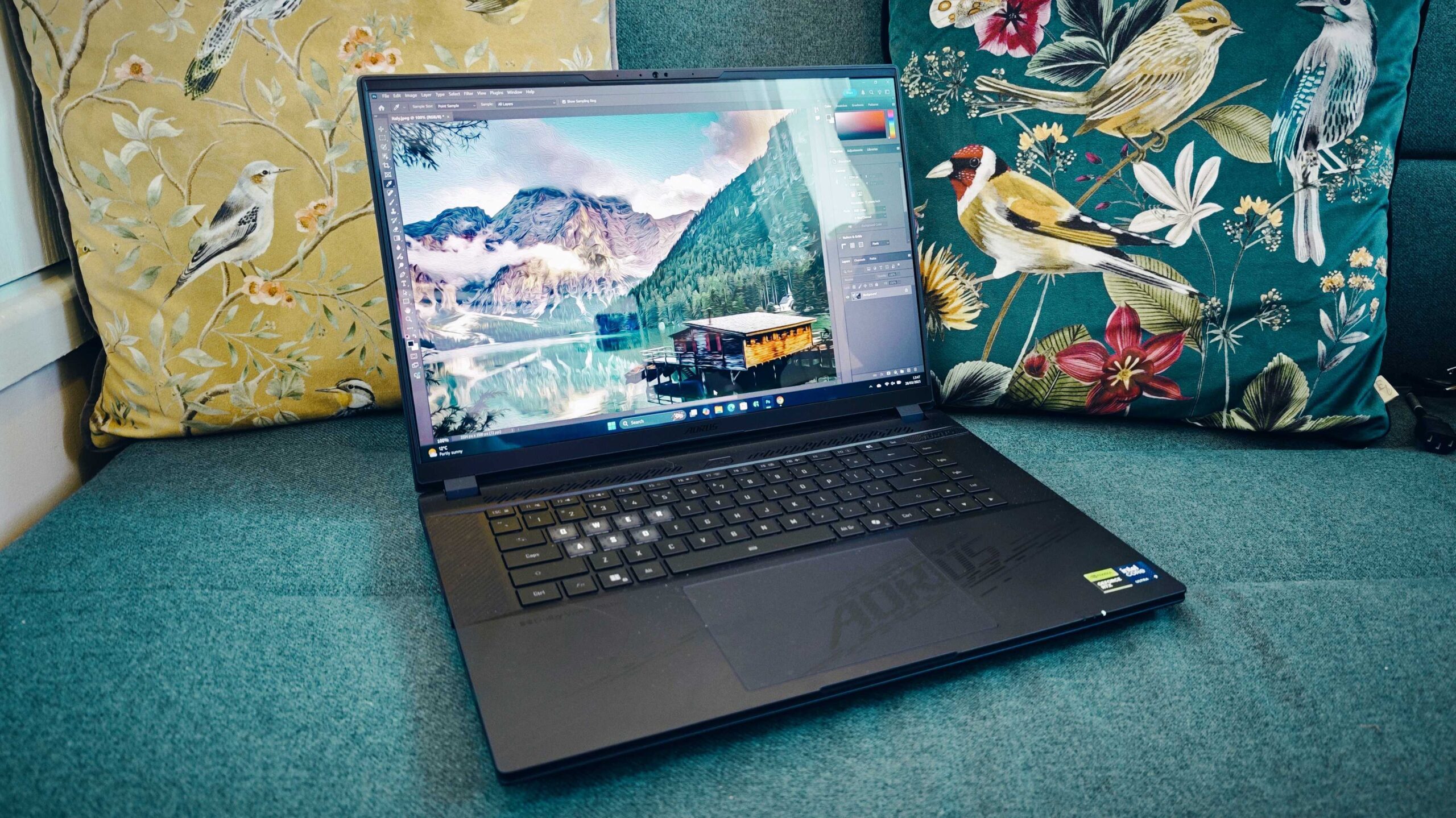
Graphic design demands a laptop that can handle creative software smoothly without exceeding budget limits. Fortunately, there are many excellent laptops under $1500 that offer strong performance, accurate displays, and reliable build quality suitable for both professional and aspiring designers. The key is knowing which features matter most and how to balance power with portability.
This guide explores the best laptops for graphic design under $1500, the essential specifications to look for, and how to choose a machine that supports creative workflows efficiently.
What Graphic Designers Need in a Laptop
Graphic design software such as Adobe Photoshop, Illustrator, and InDesign relies heavily on processing power, display quality, and memory. A laptop that lacks in any of these areas can slow down creativity and productivity.
The most important requirements include:
- A color-accurate display
- A powerful processor
- Adequate RAM and fast storage
- A dedicated or capable integrated GPU
- Comfortable keyboard and trackpad
Display Quality Is Critical
For graphic designers, the display is the most important feature.
Resolution and Size
A Full HD display is the minimum, but higher resolutions provide sharper details and more workspace. Screen sizes between 14 and 16 inches offer a good balance between portability and usability.
Color Accuracy
Look for displays that support at least 100% sRGB color coverage. This ensures accurate color representation for digital and print design work.
Panel Type
IPS panels are preferred because they offer better viewing angles and consistent colors compared to older panel technologies.
Performance Specifications That Matter
Processor (CPU)
A modern multi-core processor ensures smooth multitasking and faster rendering. Mid-range to high-end CPUs deliver excellent performance for design tasks within this budget.
Graphics (GPU)
While many design tools rely more on the CPU, a dedicated GPU improves performance for complex effects, large files, and 3D elements.
Memory (RAM)
16 GB of RAM is ideal for graphic design. It allows multiple applications and large files to run without slowing down the system.
Storage
Solid-state drives (SSD) provide faster boot times and quicker file access. A minimum of 512 GB is recommended for storing design assets and software.
Best Laptop Categories for Graphic Design Under $1500
Instead of focusing on a single brand, it’s helpful to understand which laptop types perform best for designers.
| Laptop Type | Best For | Key Benefit |
|---|---|---|
| Creator Laptops | Professional designers | High color accuracy |
| Gaming Laptops | Heavy graphics work | Powerful GPU |
| Ultrabooks | Portability | Lightweight design |
| 2-in-1 Laptops | Illustrators | Touch and pen support |
Each category offers advantages depending on your design style and workflow.
Portability and Build Quality
Designers often work from multiple locations. A lightweight laptop with a durable build makes it easier to carry without sacrificing performance.
Important considerations include:
- Weight under 5 pounds
- Strong hinge and chassis
- Good thermal management
- Long battery life for mobile work
Operating System Considerations
Both Windows and macOS platforms support professional design tools. Windows laptops under $1500 offer a wider range of hardware configurations, while macOS provides a highly optimized creative environment.
Your choice should depend on:
- Software preference
- Ecosystem compatibility
- Hardware customization needs
Connectivity and Expansion
Designers often connect external monitors, drawing tablets, and storage devices.
Look for laptops with:
- USB-C or Thunderbolt ports
- HDMI or DisplayPort support
- SD card readers
- Reliable Wi-Fi performance
These features improve workflow efficiency.
Multitasking and Productivity
Creative professionals frequently switch between design software, browsers, and reference tools. A capable laptop ensures seamless multitasking without lag.
In a similar way that productivity tools like Wearable Fitness Trackers with Sleep Monitoring help users optimize performance through data insights, a well-equipped laptop optimizes creative output by eliminating technical bottlenecks.
Common Mistakes to Avoid When Buying a Design Laptop
- Choosing a laptop with poor color accuracy
- Prioritizing aesthetics over performance
- Buying too little RAM to save money
- Ignoring cooling and thermal design
- Overpaying for features not used in design work
Understanding these pitfalls helps you make a smarter investment.
How Long Will a $1500 Design Laptop Last?
With proper care, a good graphic design laptop under $1500 can remain effective for 4–6 years. Regular software updates, sufficient RAM, and strong build quality extend its usable lifespan.
FAQs: Best Laptops for Graphic Design Under $1500
Is a dedicated GPU necessary for graphic design?
Not always, but it helps with complex effects, large files, and multitasking.
Can I do professional design work on a laptop under $1500?
Yes. Many laptops in this range meet professional requirements for graphic design.
Is 8 GB RAM enough for beginners?
It may work for light tasks, but 16 GB is strongly recommended for smoother performance.
Are gaming laptops good for graphic design?
Yes. They often offer powerful GPUs and high-performance CPUs, though they may be heavier.
Should I prioritize display or performance?
Display quality should come first, followed closely by CPU and RAM.
Final Thoughts
The best laptops for graphic design under $1500 offer an impressive balance of power, display quality, and affordability. By focusing on color accuracy, performance, and usability rather than brand names alone, designers can find machines that support creativity without exceeding budget limits. A well-chosen laptop not only enhances productivity but also allows designers to focus on what matters most—creating outstanding visual work.


