

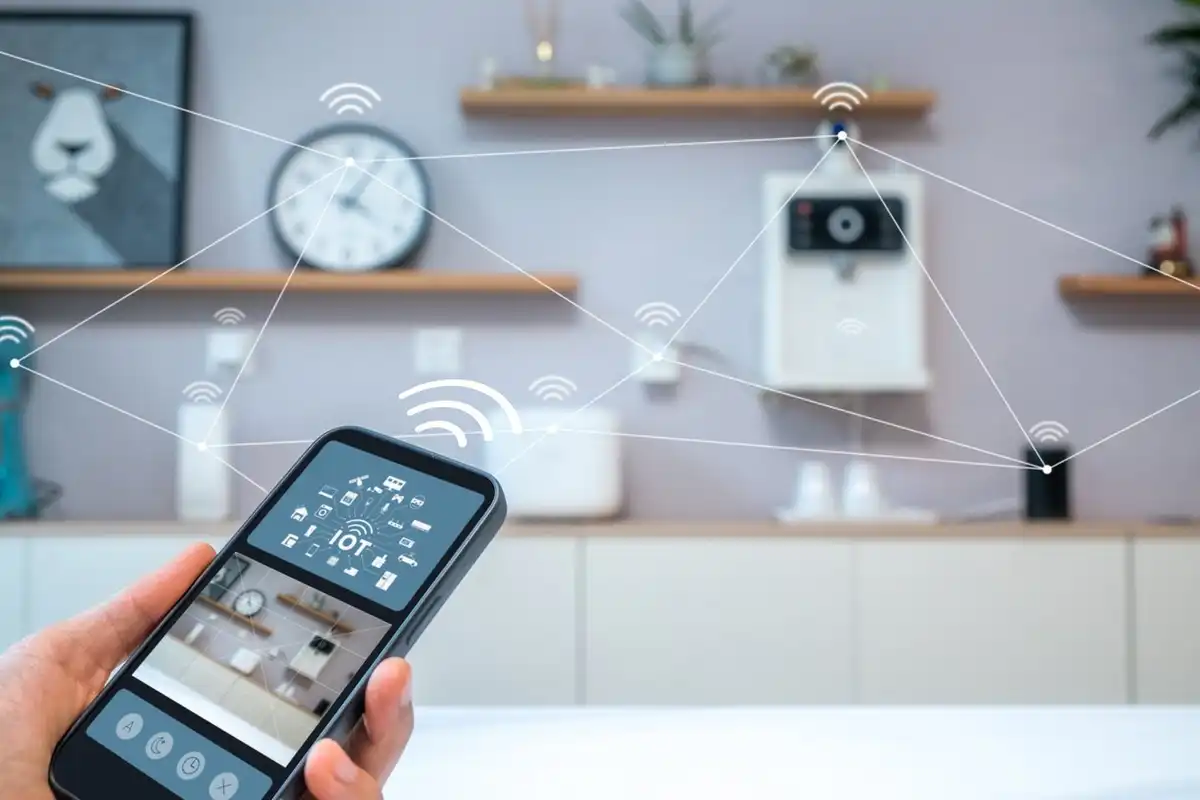
The rise of Internet of Things (IoT) devices has made modern homes smarter and more convenient. From smart thermostats and security cameras to connected lights and appliances, IoT devices simplify daily life. However, they also introduce potential security risks, as hackers can exploit vulnerabilities to access personal information or control devices remotely. Securing your IoT devices is crucial to protect your home network and maintain privacy.
This article provides actionable steps to safeguard IoT devices at home effectively.
Why IoT Security Matters
IoT devices are often connected to your home Wi-Fi network, making them potential entry points for cyberattacks. Unsecured devices can lead to:
- Unauthorized access to personal information
- Hacking of home cameras, locks, or thermostats
- Compromised Wi-Fi networks
- Device malfunction or ransomware attacks
By taking proper security measures, you reduce the risk of cyber threats and ensure your smart home remains safe.
Steps to Secure IoT Devices at Home
1. Change Default Passwords
Many IoT devices come with default usernames and passwords, which hackers can easily find online.
Tips:
- Use strong, unique passwords for each device
- Avoid common passwords like “admin” or “123456”
- Consider using a reputable password manager to keep track of complex credentials
2. Enable Two-Factor Authentication (2FA)
Two-factor authentication adds an extra layer of security by requiring a second verification step, such as a code sent to your phone, in addition to your password.
Benefits:
- Reduces the risk of unauthorized access
- Protects accounts even if passwords are compromised
3. Keep Firmware and Software Updated
Manufacturers frequently release updates to patch vulnerabilities. Outdated firmware can be exploited by hackers.
Tips:
- Enable automatic updates if available
- Regularly check the manufacturer’s website for new patches
4. Use a Separate Network for IoT Devices
Segregating your IoT devices from your main devices (laptops, phones) limits the damage if a device is compromised.
How to Do It:
- Create a guest network on your Wi-Fi router exclusively for IoT devices
- Restrict access to sensitive devices like computers or financial apps
5. Secure Your Wi-Fi Network
Your home network is the foundation of IoT security.
Tips:
- Use WPA3 or WPA2 encryption for Wi-Fi
- Change the default router password
- Disable WPS (Wi-Fi Protected Setup) to prevent unauthorized connections
6. Disable Unnecessary Features
IoT devices often come with features like remote access or microphone/camera functionality that may not be necessary.
Tips:
- Turn off features you don’t use
- Regularly review device settings for privacy and security options
7. Monitor Device Activity
Monitoring your devices can help detect unusual activity early.
Tips:
- Use network monitoring apps to track connected devices
- Look for unexpected logins or traffic spikes
8. Consider Professional Security Solutions
Some companies offer IoT security software that scans and protects connected devices automatically.
Benefits:
- Detects vulnerabilities
- Provides alerts and recommendations for compromised devices
Additional Best Practices
- Educate family members about IoT security
- Avoid connecting unknown devices to your network
- Back up critical data stored in cloud-connected devices
- Regularly review manufacturer security guidelines
By following these steps, you can significantly reduce the risk of cyber threats while enjoying the convenience of a smart home.
Connecting IoT Security with Other Online Safety
Just as choosing Most Reliable Web Hosting Services for Bloggers is critical for protecting a website from downtime and cyber threats, securing IoT devices ensures your home network and personal data are safeguarded. Both require proactive attention, strong passwords, regular updates, and careful management to prevent potential security breaches.
Final Thoughts
IoT devices make homes smarter and more efficient, but they also bring potential security risks. Implementing strong passwords, firmware updates, separate networks, and regular monitoring can protect your home from cyberattacks.
By prioritizing IoT security, you can enjoy the convenience of connected devices while keeping your personal data and network safe from hackers.


