

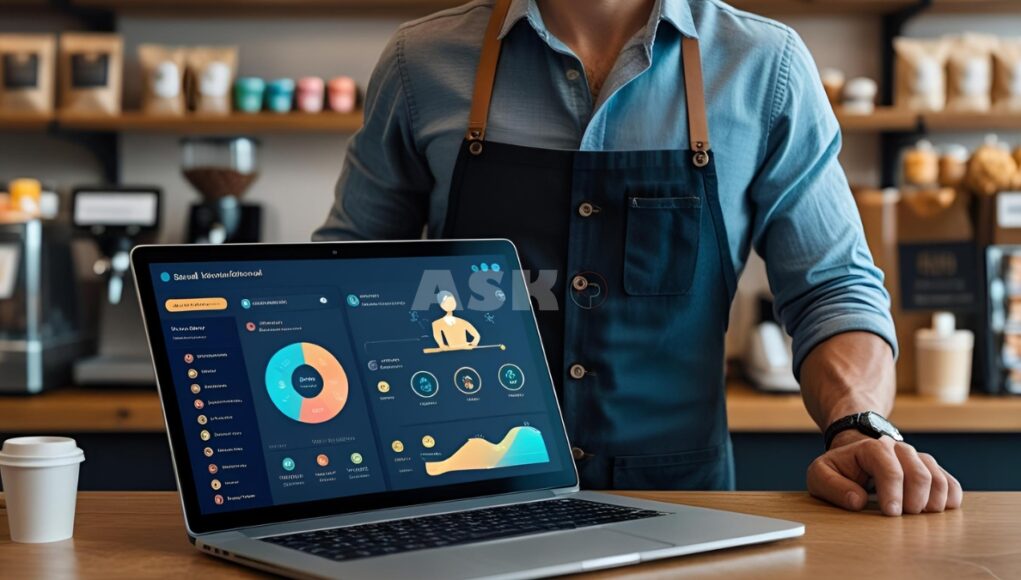
Small businesses are increasingly leveraging artificial intelligence (AI) to streamline operations, improve decision-making, and enhance customer experiences. With the right AI tools, small businesses can automate routine tasks, analyze data more effectively, and compete with larger enterprises without massive budgets.
This guide explores the best AI software for small businesses, key benefits, and practical tips for integrating AI into your daily operations.
Why Small Businesses Need AI
AI offers significant advantages for small businesses:
- Automation: Reduce manual tasks like data entry, customer support, and scheduling.
- Insights: Analyze large datasets to uncover trends, customer behavior, and sales opportunities.
- Customer Engagement: Personalize marketing campaigns, respond to queries with chatbots, and improve retention.
- Efficiency: Streamline operations to save time and resources.
- Decision-Making: Support smarter business decisions with predictive analytics.
Even small teams can achieve big results with AI, without needing extensive technical knowledge.
Types of AI Software for Small Businesses
AI software comes in various forms, each addressing different business needs:
1. Customer Relationship Management (CRM) AI
AI-powered CRMs analyze customer data, predict buying behavior, and automate follow-ups. They help small businesses personalize interactions and boost customer satisfaction.
2. Marketing AI
Marketing AI tools optimize campaigns, suggest content, and analyze engagement metrics. They save time while improving ROI on marketing efforts.
3. Chatbots and Virtual Assistants
AI chatbots can handle customer queries 24/7, provide product recommendations, and streamline support workflows.
4. Accounting and Finance AI
Automated accounting software uses AI to manage invoices, detect errors, and forecast financial trends, reducing manual workload and errors.
5. Analytics and Predictive AI
Data-driven insights from predictive AI tools help businesses forecast sales, identify growth opportunities, and detect potential risks.
Top AI Software Options for Small Businesses
| Software Type | Recommended Tool | Key Features | Pricing Range |
|---|---|---|---|
| CRM AI | HubSpot AI | Customer segmentation, automated follow-ups | Free–$50/month |
| Marketing AI | Mailchimp AI | Campaign optimization, predictive analytics | Free–$200/month |
| Chatbots & Virtual Assistants | Drift | Conversational AI, lead qualification | $50–$400/month |
| Accounting AI | QuickBooks with AI | Automated bookkeeping, predictive forecasting | $25–$150/month |
| Analytics & Predictive AI | Zoho Analytics AI | Sales prediction, trend analysis, dashboards | $20–$125/month |
These AI tools are designed to be user-friendly and scalable, allowing small businesses to adopt AI without requiring a dedicated IT team.
Benefits of Implementing AI
- Time-Saving: Automate repetitive tasks and focus on strategic activities.
- Cost-Efficient: Reduce operational costs with smarter resource allocation.
- Improved Accuracy: Minimize human error in data entry, accounting, and reporting.
- Enhanced Customer Experience: AI personalizes interactions, improving loyalty.
- Scalability: Easily scale operations as your business grows.
Practical Tips for Integrating AI
- Start small: Focus on the most time-consuming or data-heavy tasks first.
- Train your team: Ensure staff understand how to use AI tools effectively.
- Monitor performance: Track ROI and adjust AI strategies based on results.
- Integrate with existing software: Seamless integration ensures efficiency.
- Stay updated: AI evolves rapidly, so adopt new features to stay competitive.
AI for Remote Work and Collaboration
AI also enhances remote work productivity for small teams:
- Automated scheduling tools streamline meetings and appointments
- AI-powered project management tools optimize task allocation
- Virtual assistants help track progress and remind team members of deadlines
Interestingly, integrating AI into your business can sometimes overlap with technical projects like How to Build a Home Server for Media Streaming, as both involve automating and optimizing digital workflows, though AI focuses on business processes rather than media hosting.
Common Mistakes to Avoid
- Implementing AI without clear goals
- Choosing tools that are too complex for your team
- Ignoring data privacy and compliance
- Failing to track performance and ROI
- Over-relying on AI without human oversight
Frequently Asked Questions (FAQs)
Can small businesses afford AI software?
Yes, many AI tools offer scalable pricing, including free or low-cost plans suitable for small businesses.
Is technical expertise required?
Most AI software for small businesses is designed to be user-friendly, requiring minimal technical skills.
How long does it take to see results?
AI results vary by tool and implementation, but many businesses notice improvements in efficiency and insights within a few weeks.
Can AI replace employees?
AI complements employees by automating repetitive tasks, allowing them to focus on strategic and creative work.
How do I choose the right AI software?
Identify your business needs first, evaluate user-friendliness, integration options, and pricing before making a decision.
Conclusion
AI software is no longer just for large corporations. Small businesses can leverage AI to automate tasks, enhance customer engagement, and make data-driven decisions. From AI-powered CRMs and marketing tools to chatbots and predictive analytics, there are solutions for virtually every business need. By implementing AI thoughtfully and monitoring performance, small businesses can gain a competitive edge while saving time and resources. Whether streamlining operations or complementing other tech projects like How to Build a Home Server for Media Streaming, AI empowers small business owners to operate smarter, faster, and more efficiently.


